All posts

How to Set Up a Loyalty Program in 60 Seconds

A real 60-second loyalty program setup, step by step. The decisions to skip, the defaults to use, and the QR code you print and stick to the till.

Loop Customer Team··6 min read
How to Set Up a Loyalty Program in 60 Seconds

Most people overcomplicate loyalty programs
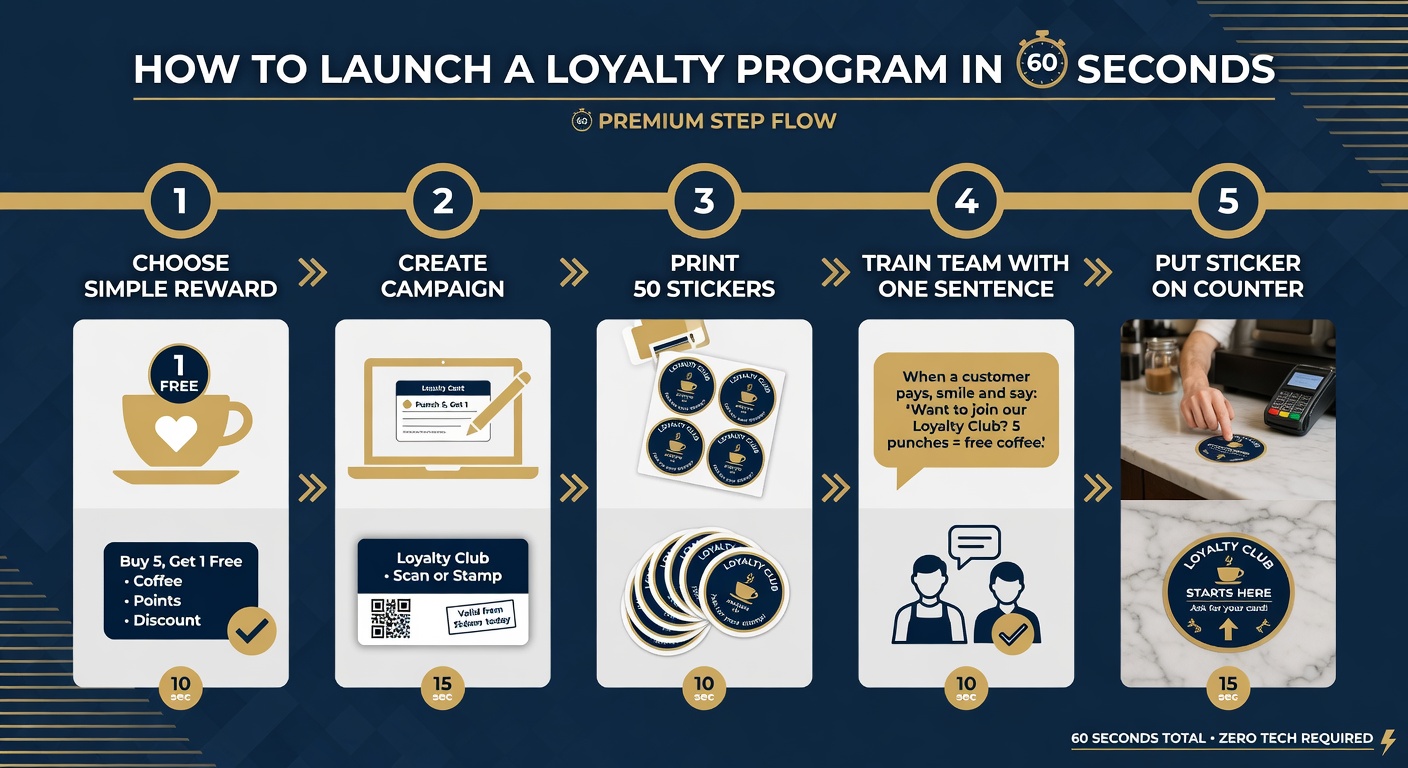
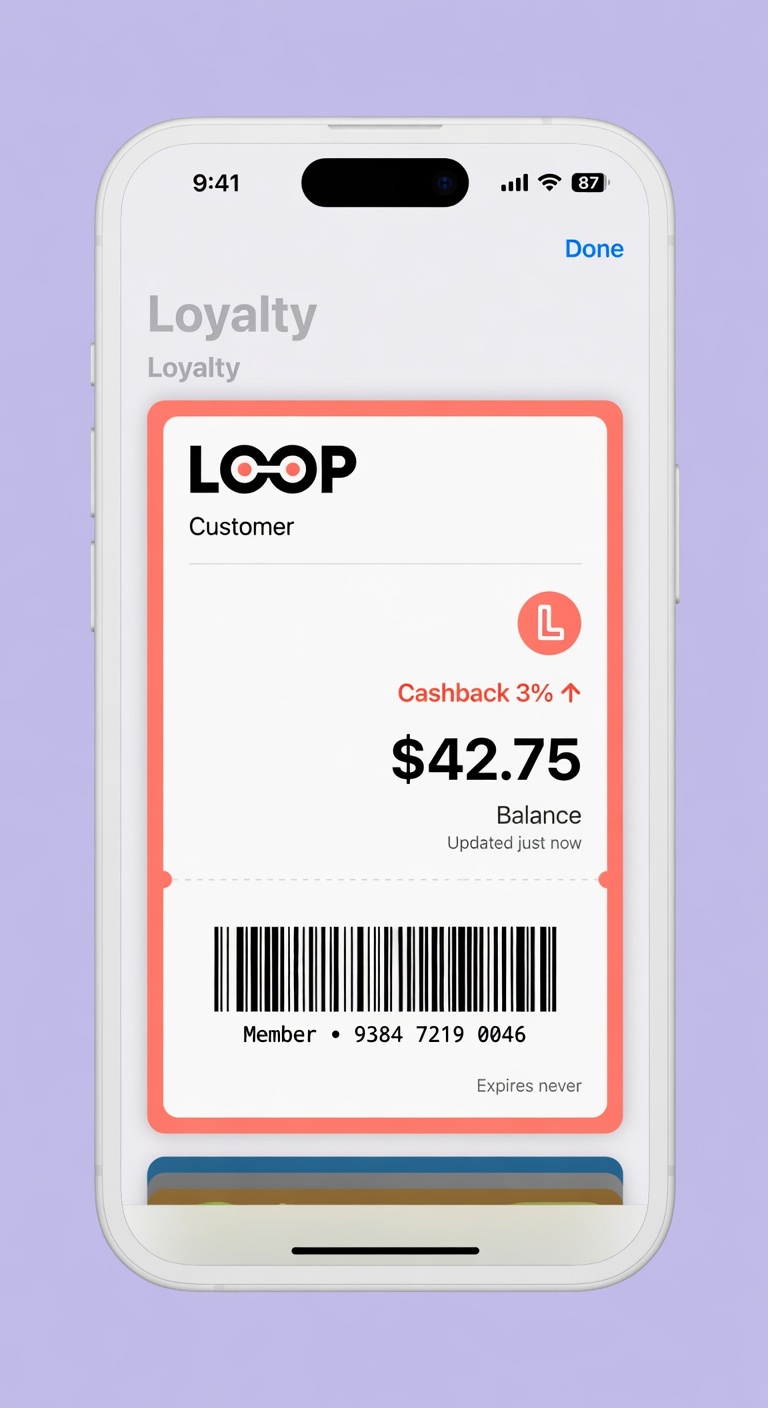
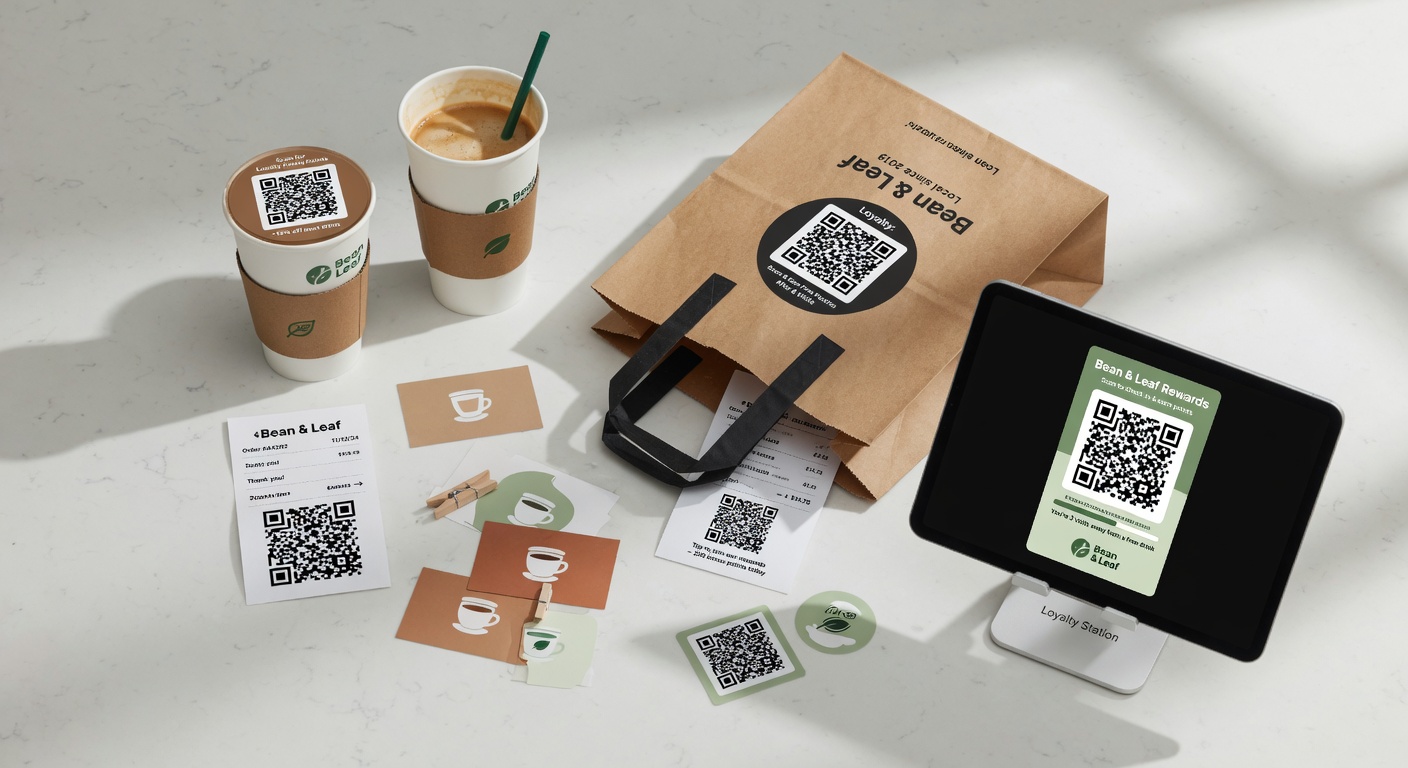
Launch your loyalty program in 60 seconds - clear visual steps
Simple 4-step process that actually works in real shops

.

Here's the fastest way to get something live that actually works.
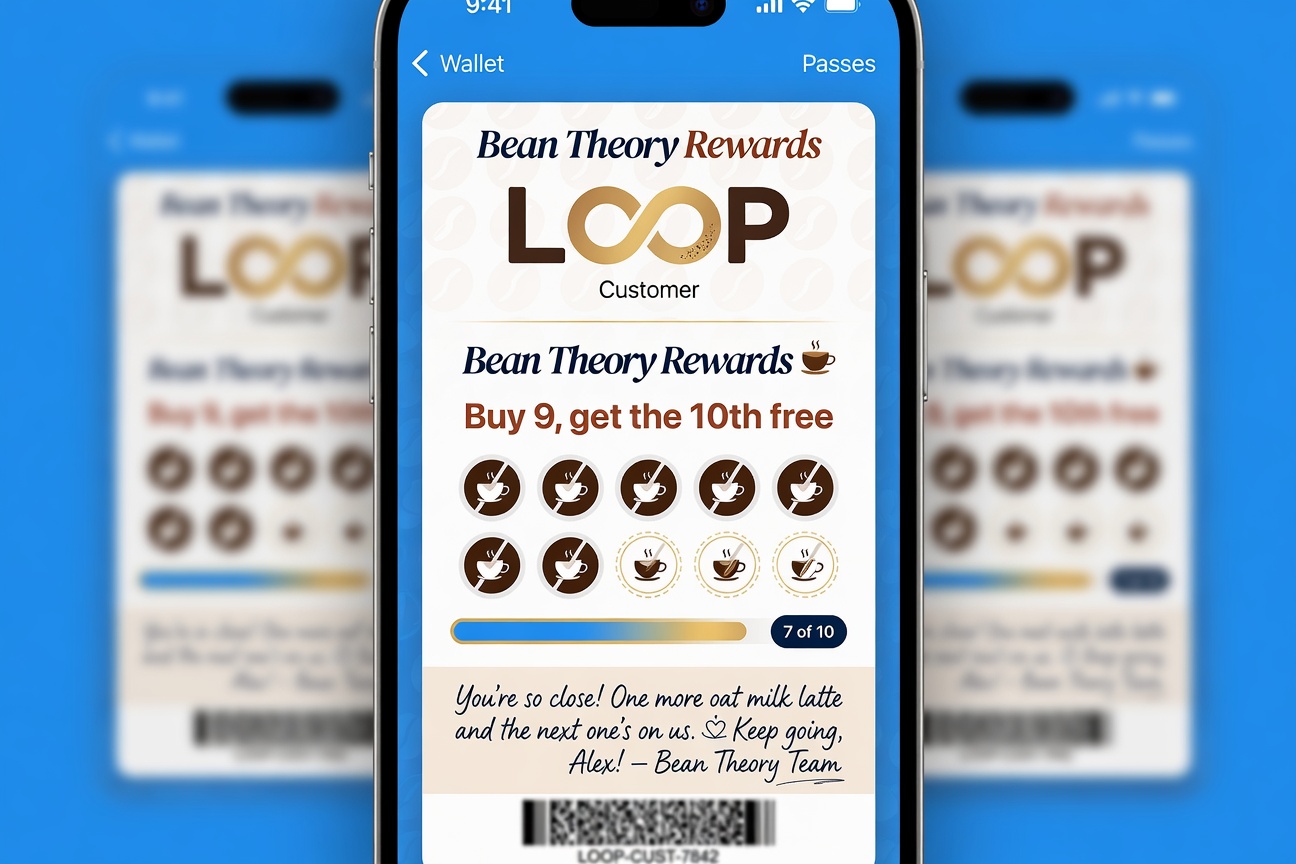
How to launch a loyalty program in 60 seconds - step by step diagram
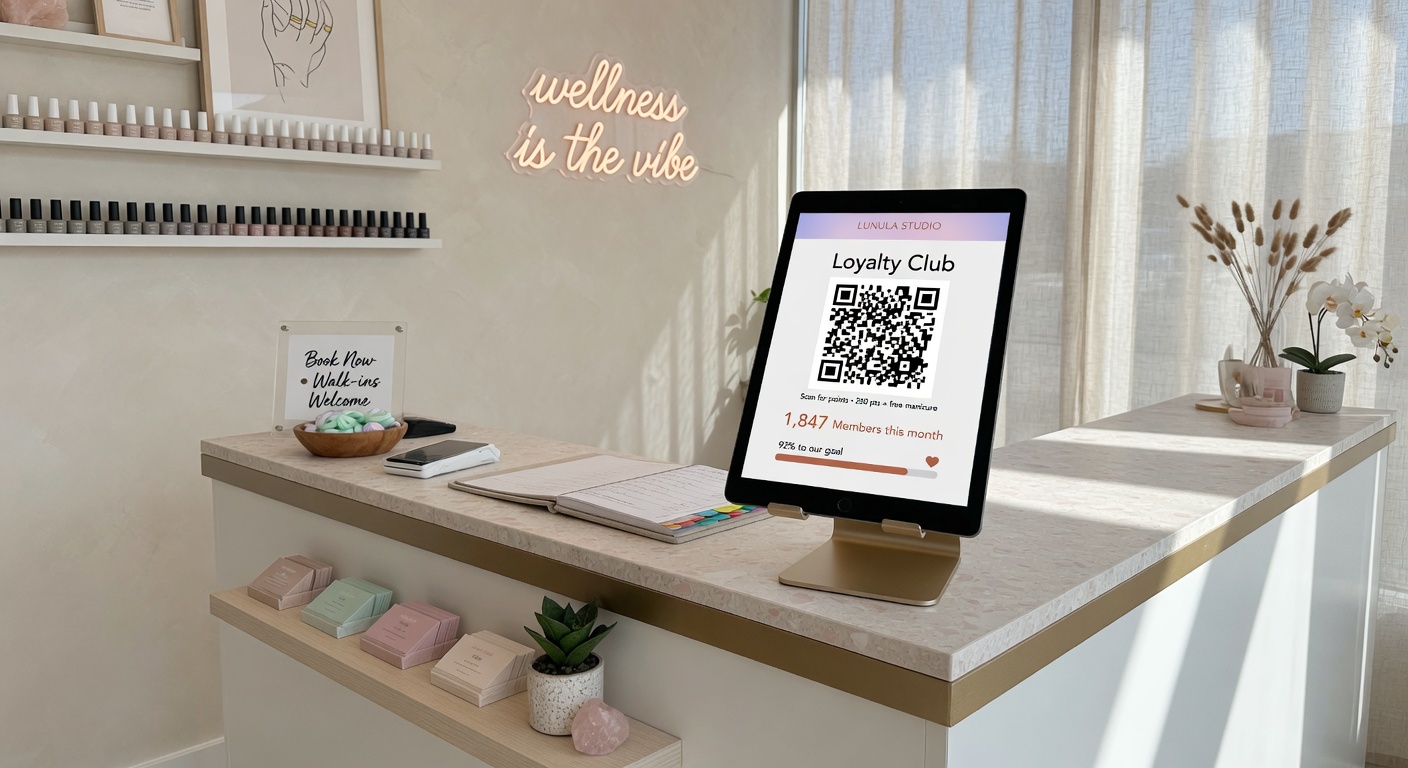
Strong visual explanation of the concept
Real-world example that makes it easy to understand
Supporting diagram or photo for clarity

Step 1: Pick the simplest reward

Buy 9, get the 10th free. Don't overthink it on day one.

Step 2: Create the campaign

Name it something friendly. Let AI write the description.

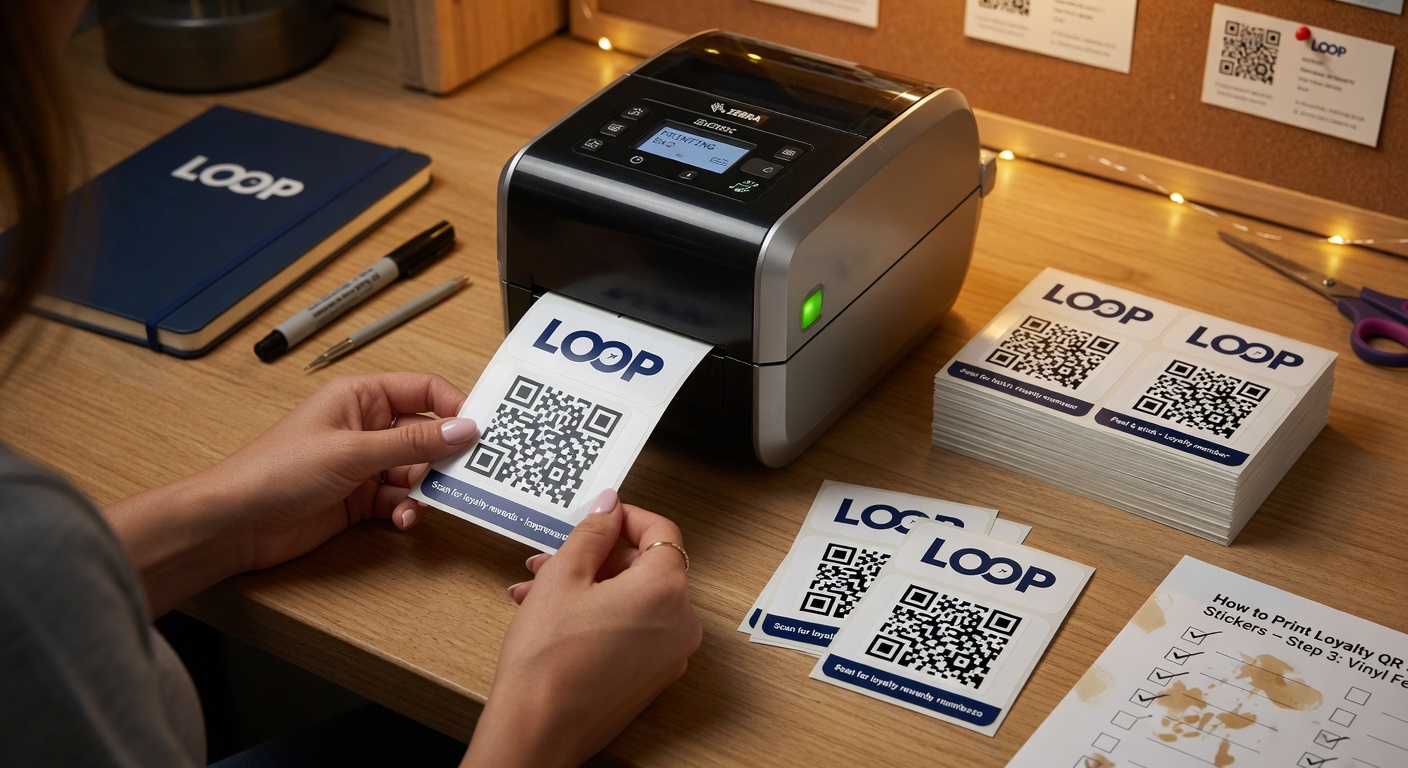
Step 3: Print 50 stickers

Use any printer. Put them on the counter, receipts, and to-go bags.

Step 4: Tell your team

One sentence: "Scan the sticker, customer gets their 10th drink free."

That's it. You now have a working loyalty program.

The fancy stuff (referrals, birthdays, geo-notifications) can come later. Start stupid simple.

Try it free

Run a loyalty program in 60 seconds

Loop Customer turns a QR code into a stamp card your customers keep in Apple Wallet or Google Wallet — no app, no POS integration.

Start free at loopcustomer.com/signup