How to Create an Apple Wallet Pass for Your Business
Step-by-step guide to creating an Apple Wallet pass for your business loyalty program — without writing any code or generating certificates yourself.
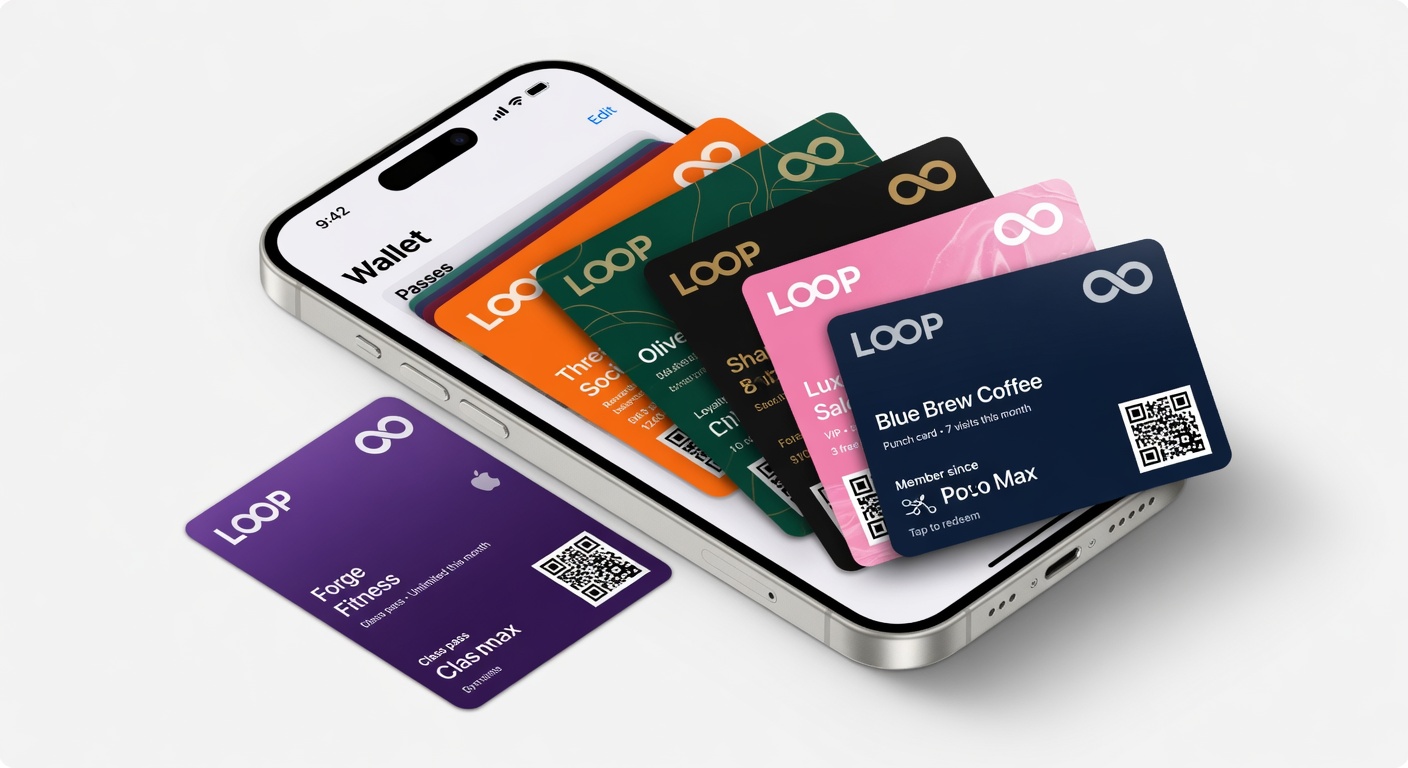
You do not need a developer. You do not need to generate certificates. You do not need to touch Xcode.
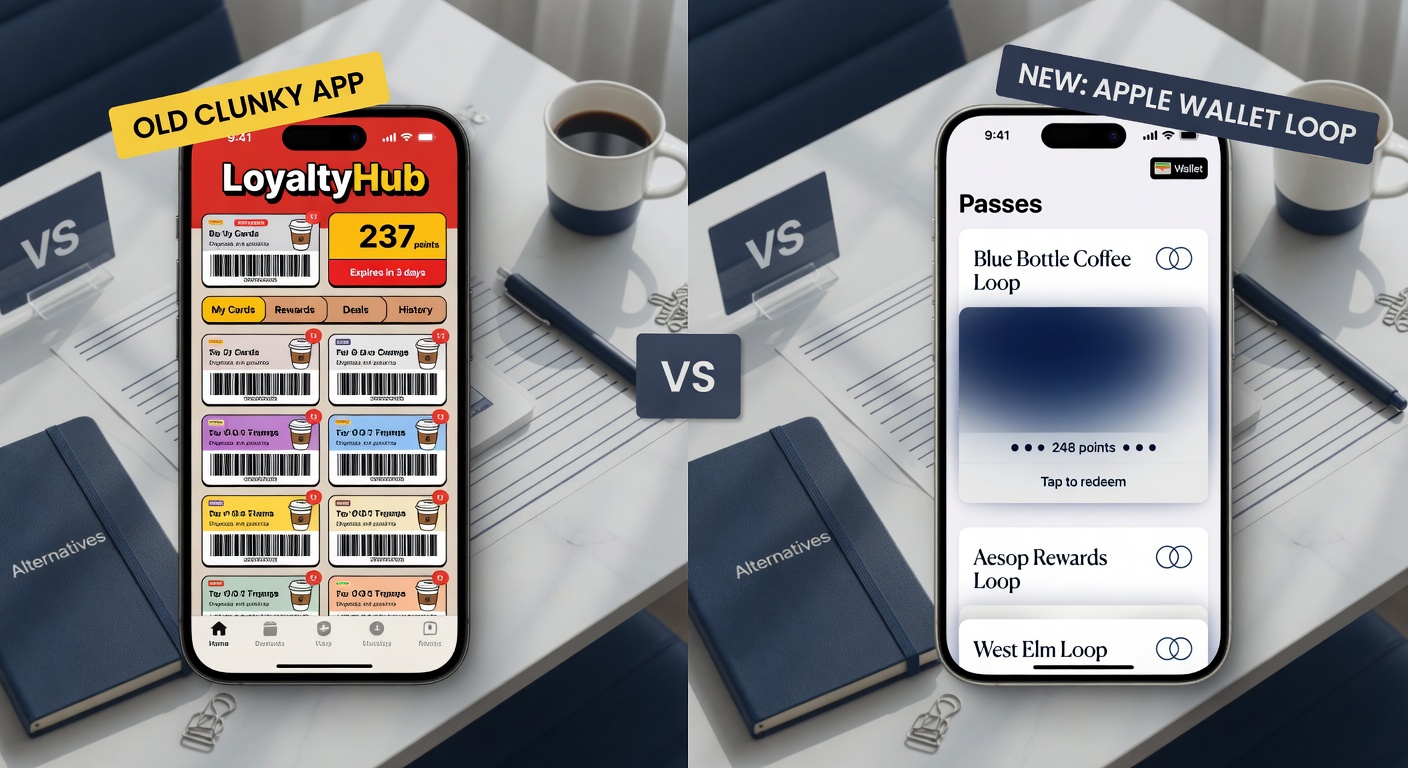
The modern way
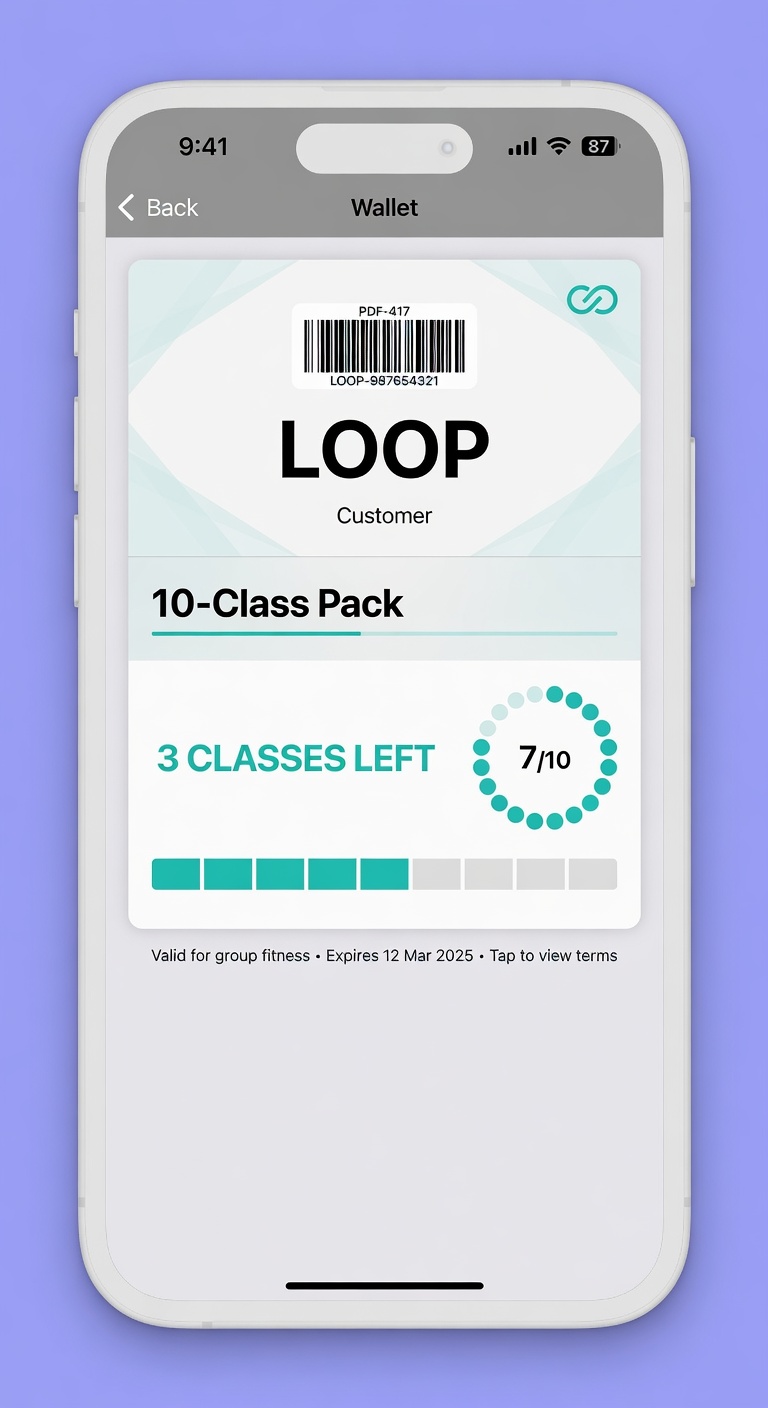
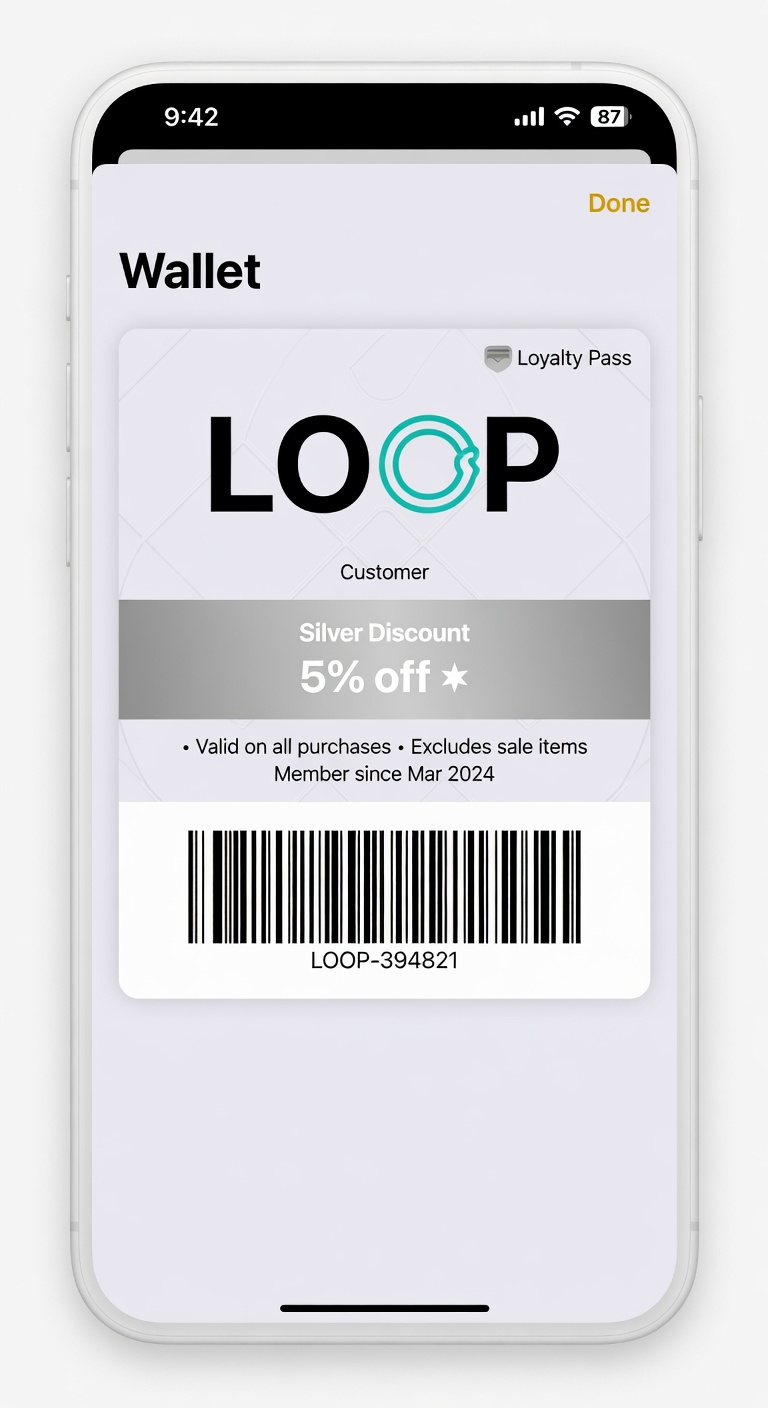
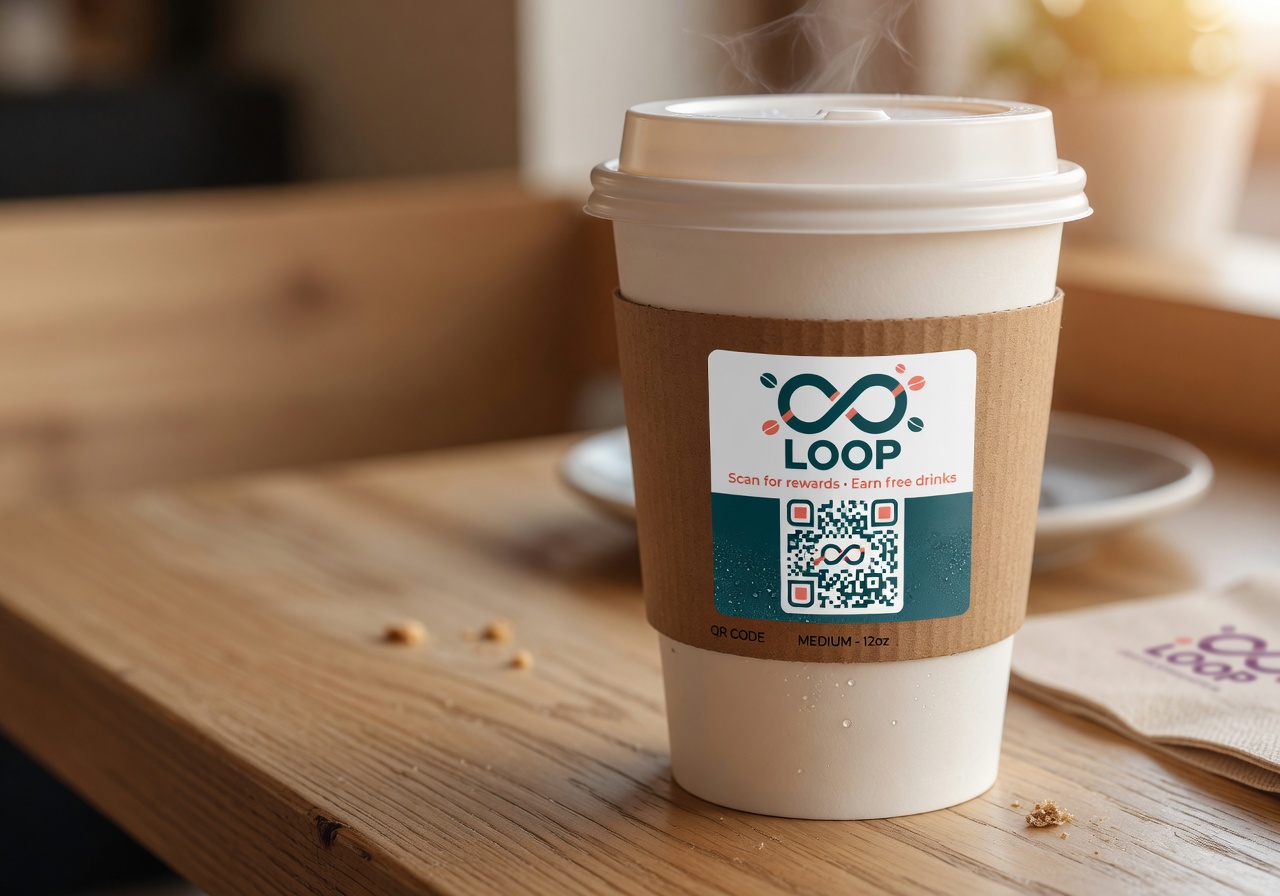
Use a platform that handles the entire Apple Wallet + Google Wallet pass creation, signing, hosting, and real-time updating for you.
You design the look (logo, colors, fields), pick your earning mechanic, and the platform generates passes that customers can add with one tap.
What a good wallet pass actually needs
- Your logo (the one that already represents your brand)
- A clear, friendly name ("Maria's Coffee Loyalty" not "MARIA-LOYALTY-2026-Q2")
- The current stamp or point count, visible at a glance
- The reward progress (9/10 stamps)
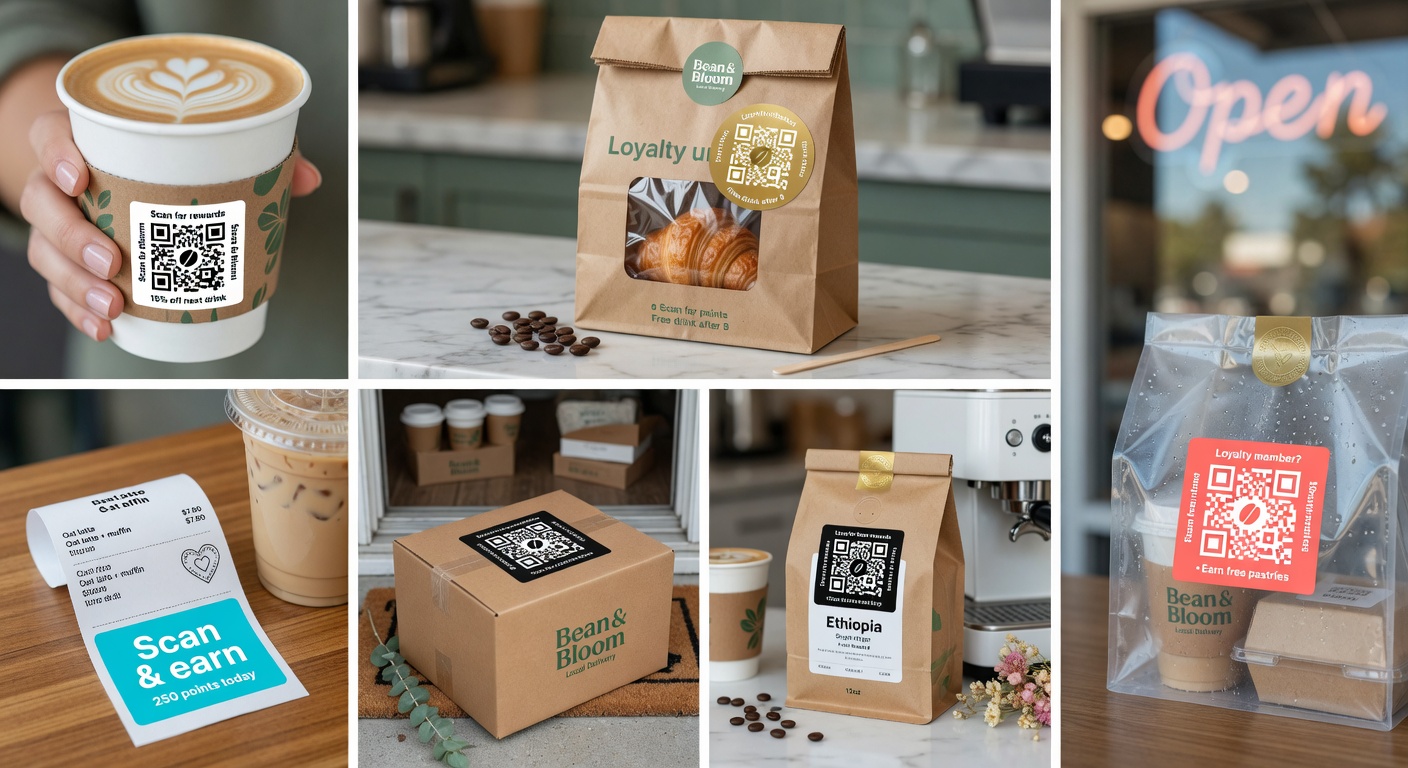
- A scannable QR or barcode that works in any lighting
Everything else is decoration.
The part most people get wrong
They make the pass look like a marketing asset instead of a tool the customer will actually keep.
The best passes are calm, clear, and feel like they belong in the customer's wallet next to their credit cards — not like an ad that followed them home.
Try it free
Run a loyalty program in 60 seconds
Loop Customer turns a QR code into a stamp card your customers keep in Apple Wallet or Google Wallet — no app, no POS integration.
Start free at loopcustomer.com/signup