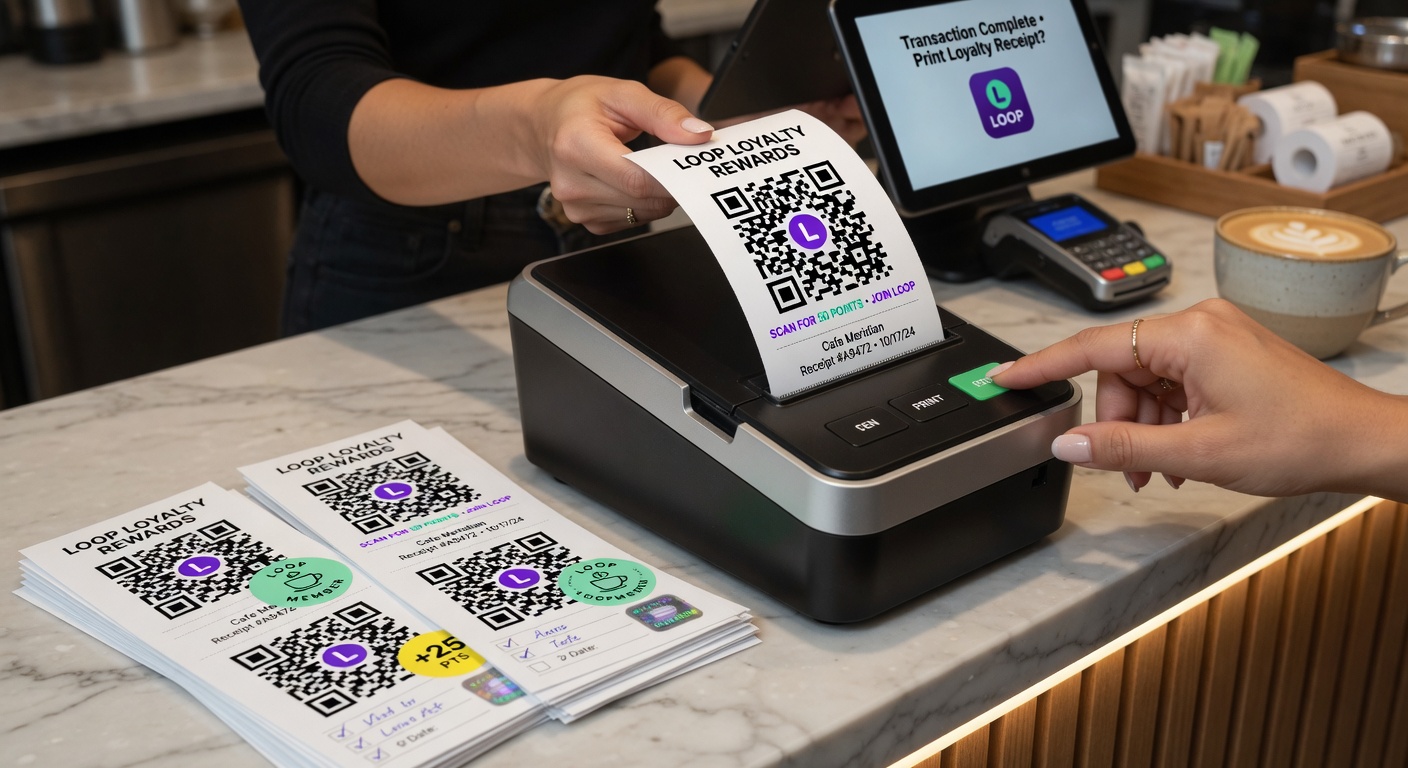
Printing is one of the highest-leverage parts of a wallet loyalty program.
Small changes in repeat visits create massive differences in lifetime value.
Paper & finish recommendations
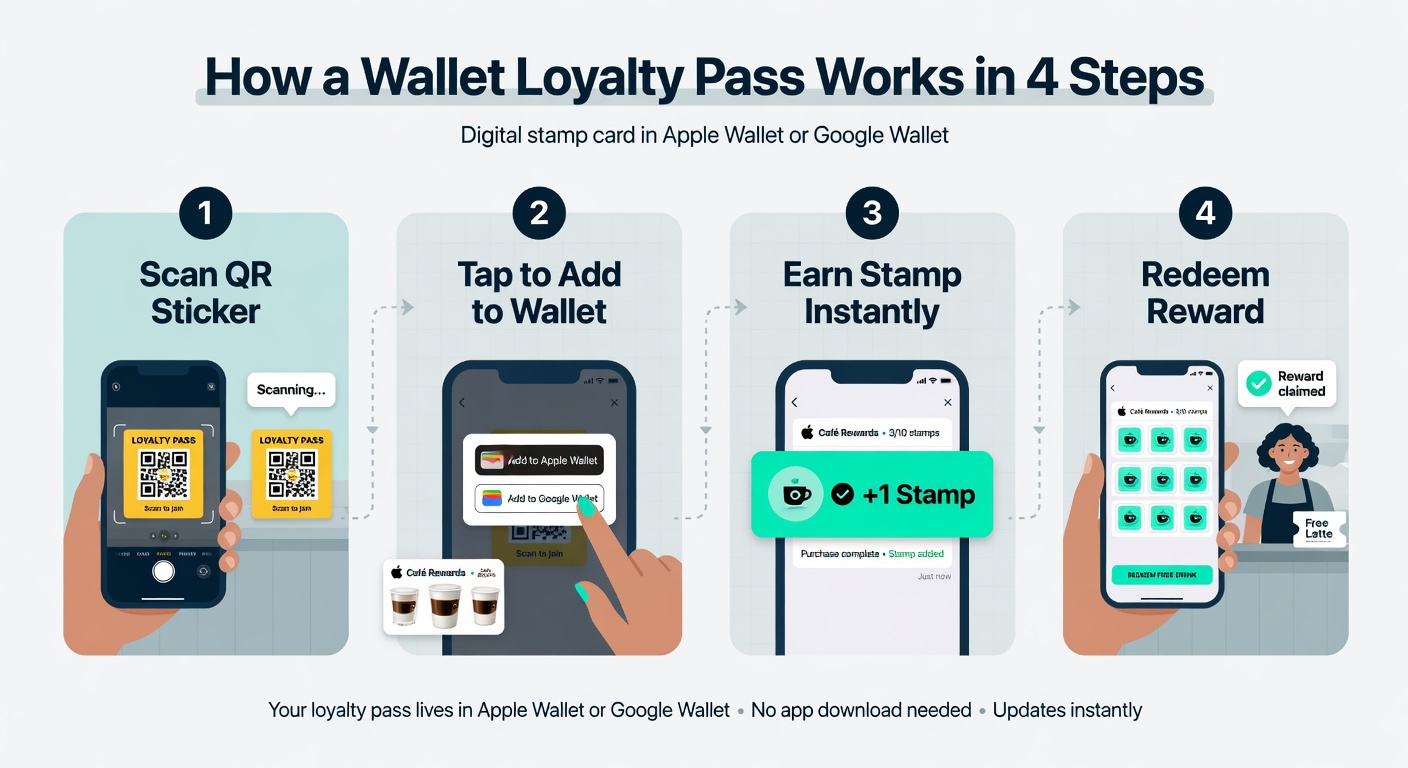
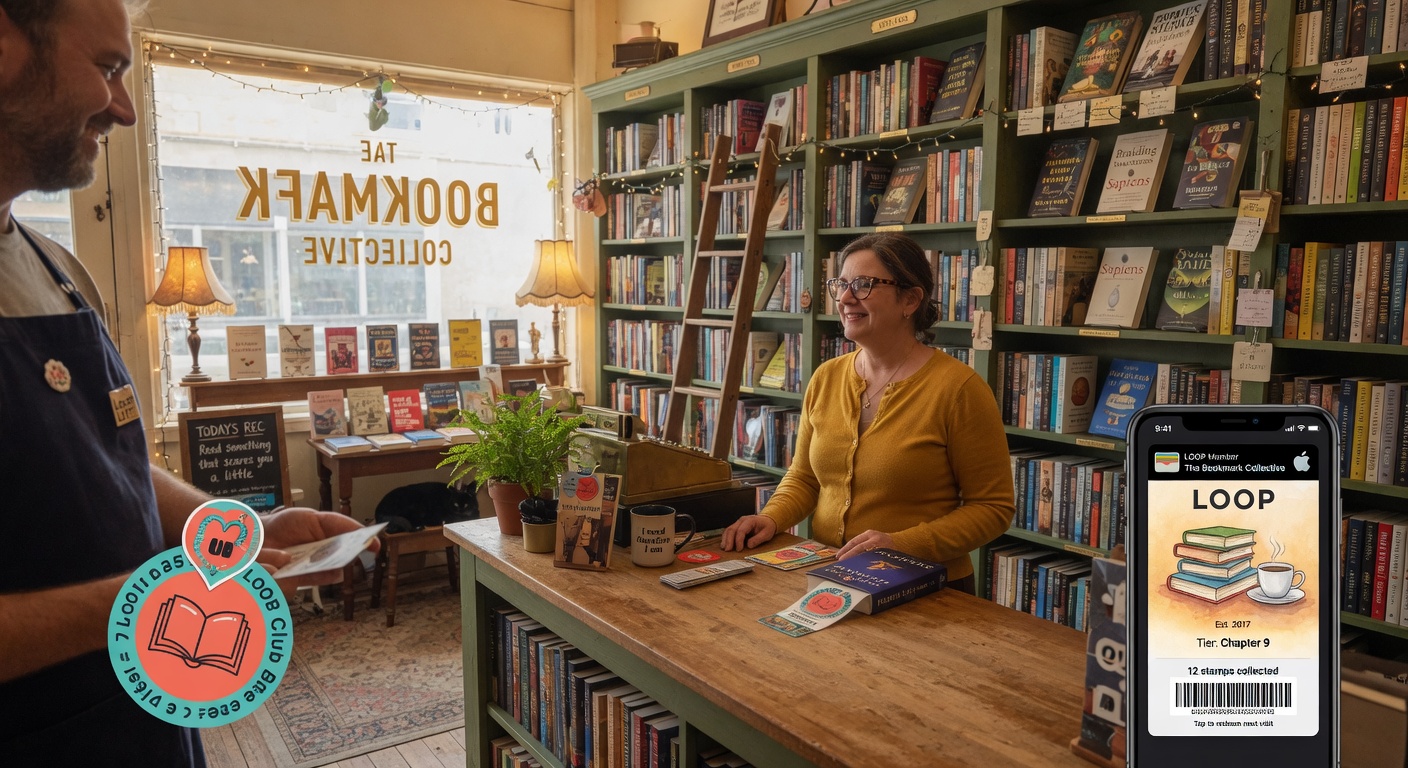
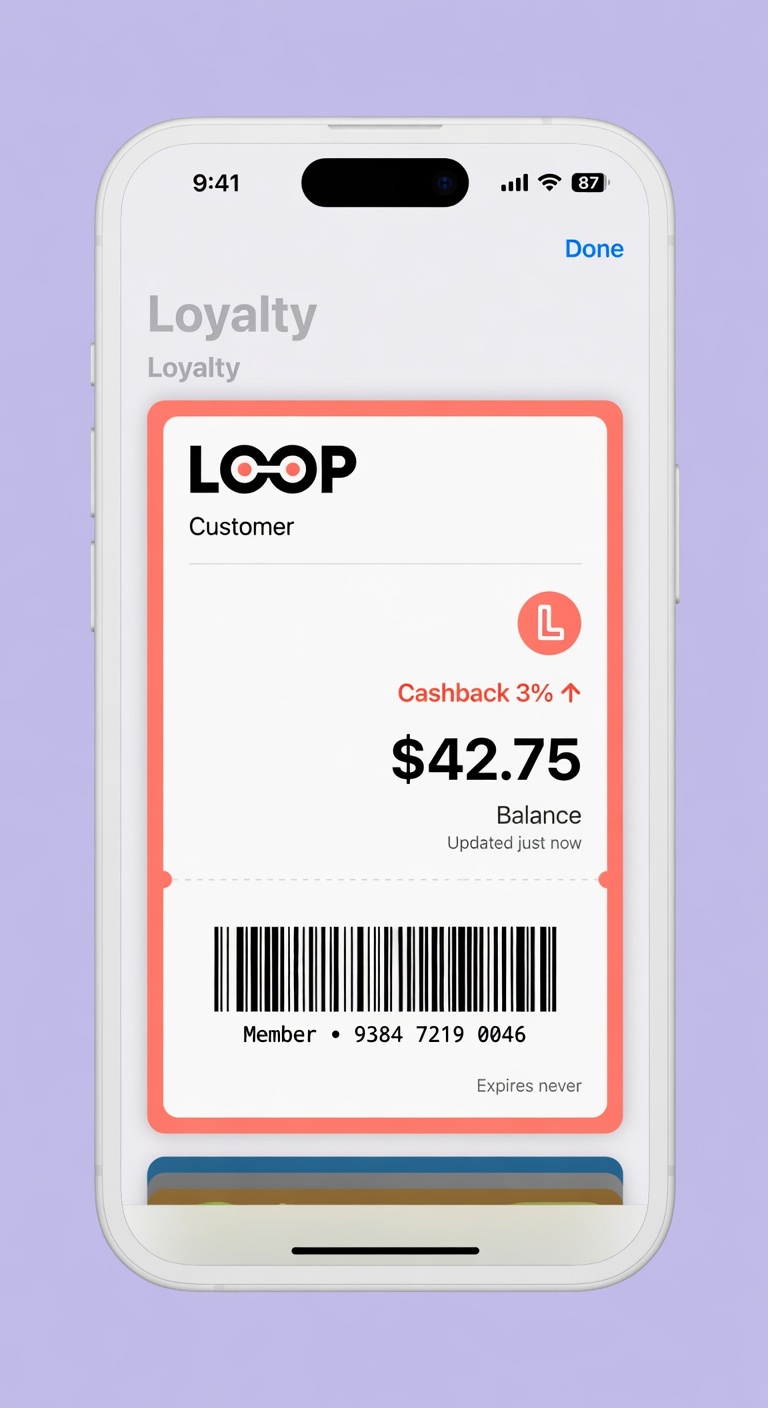
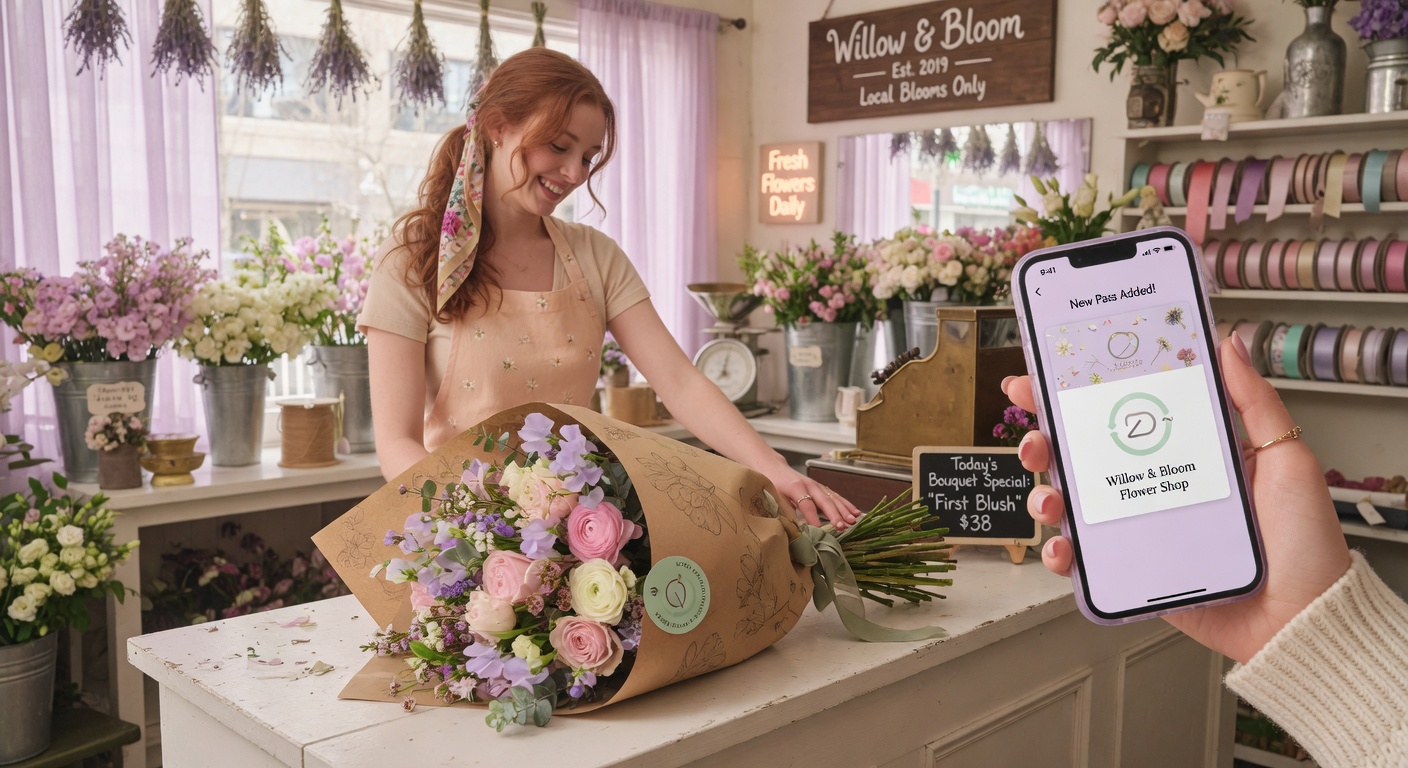
When the pass lives in their pocket and updates in real time, customers actually use it.
- Matte vinyl or polyester for durability
- Avoid glossy paper (scans poorly in bright light)
- Size: 1.5"–2" square works well on most surfaces
Best placements (ranked)
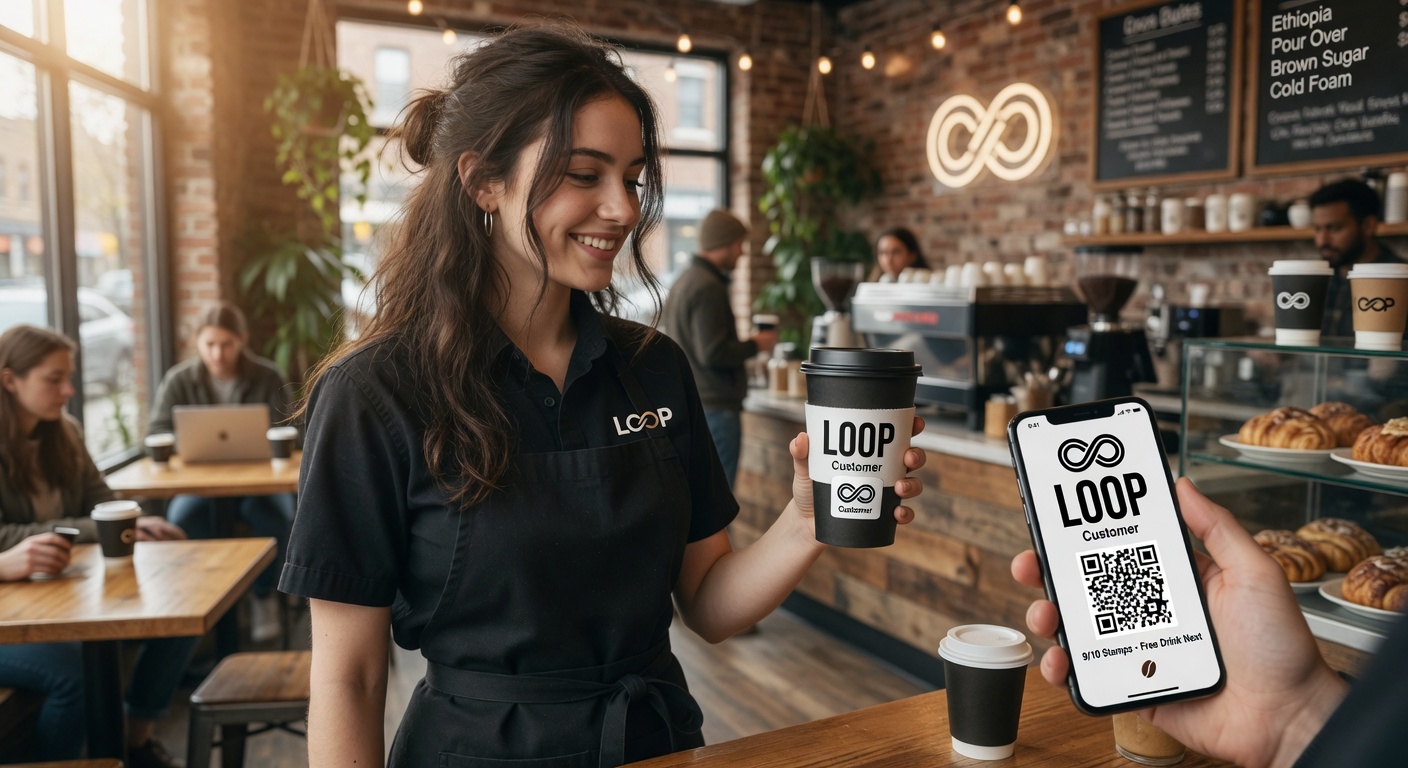
1. Coffee sleeves / to-go cups 2. Receipts 3. Counter tent cards or window clings 4. Takeout bags and boxes
The highest conversion usually happens on items the customer takes with them.
Try it free
Run a loyalty program in 60 seconds
Loop Customer turns a QR code into a stamp card your customers keep in Apple Wallet or Google Wallet — no app, no POS integration.
Start free at loopcustomer.com/signup