All posts

How to Add a Loyalty QR Code to Your Receipts

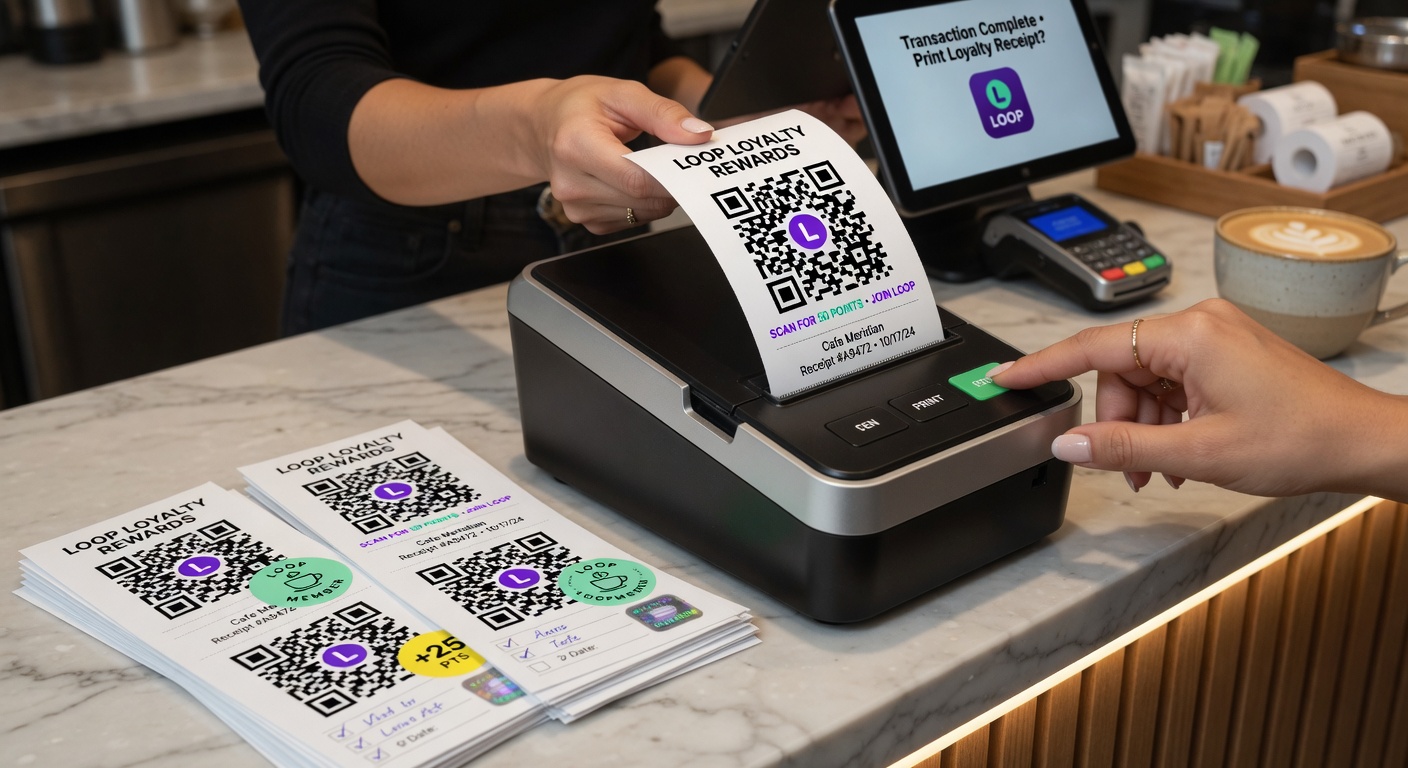
Receipts are the highest-converting loyalty enrolment surface most businesses ignore. Here is how to add a QR code to them and what it does to your numbers.

Loop Customer Team··6 min read
How to Add a Loyalty QR Code to Your Receipts

Receipts are one of the highest-ROI enrolment surfaces available to most businesses.
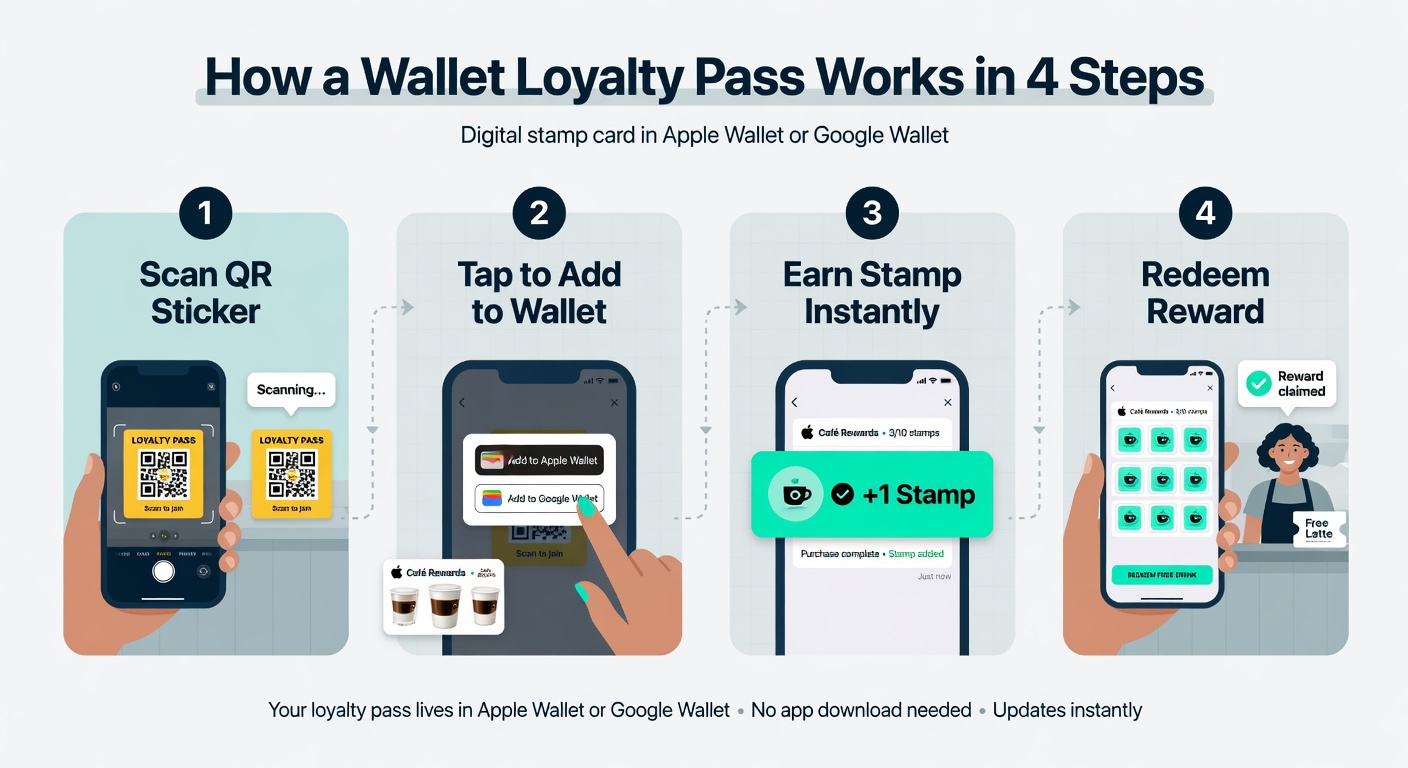
How a wallet loyalty pass works in 4 clear steps
Small changes in repeat visits create massive differences in lifetime value.

Why receipts work so well
Simple step-by-step that actually works in real shops
The language and approach top performers use
Why real loyalty beats short-term discounts every time
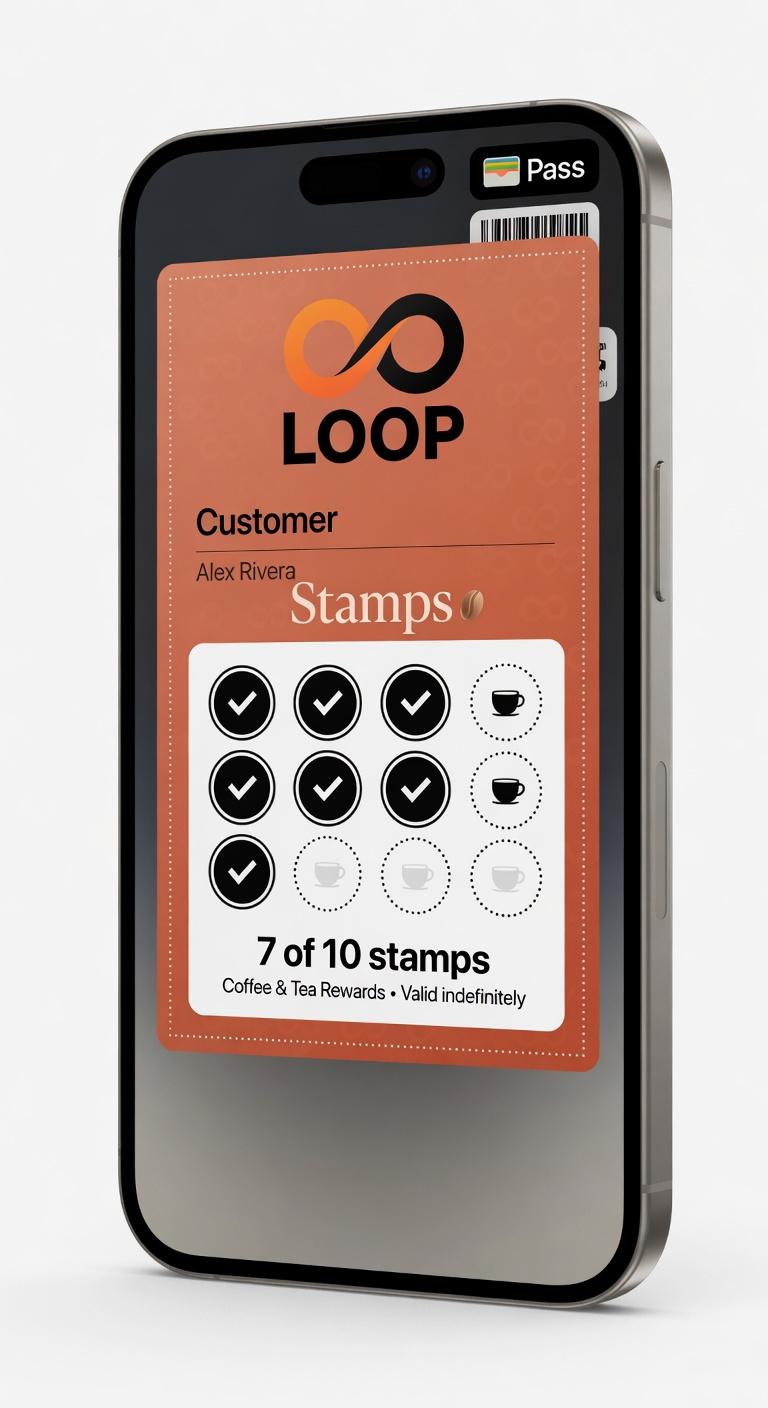
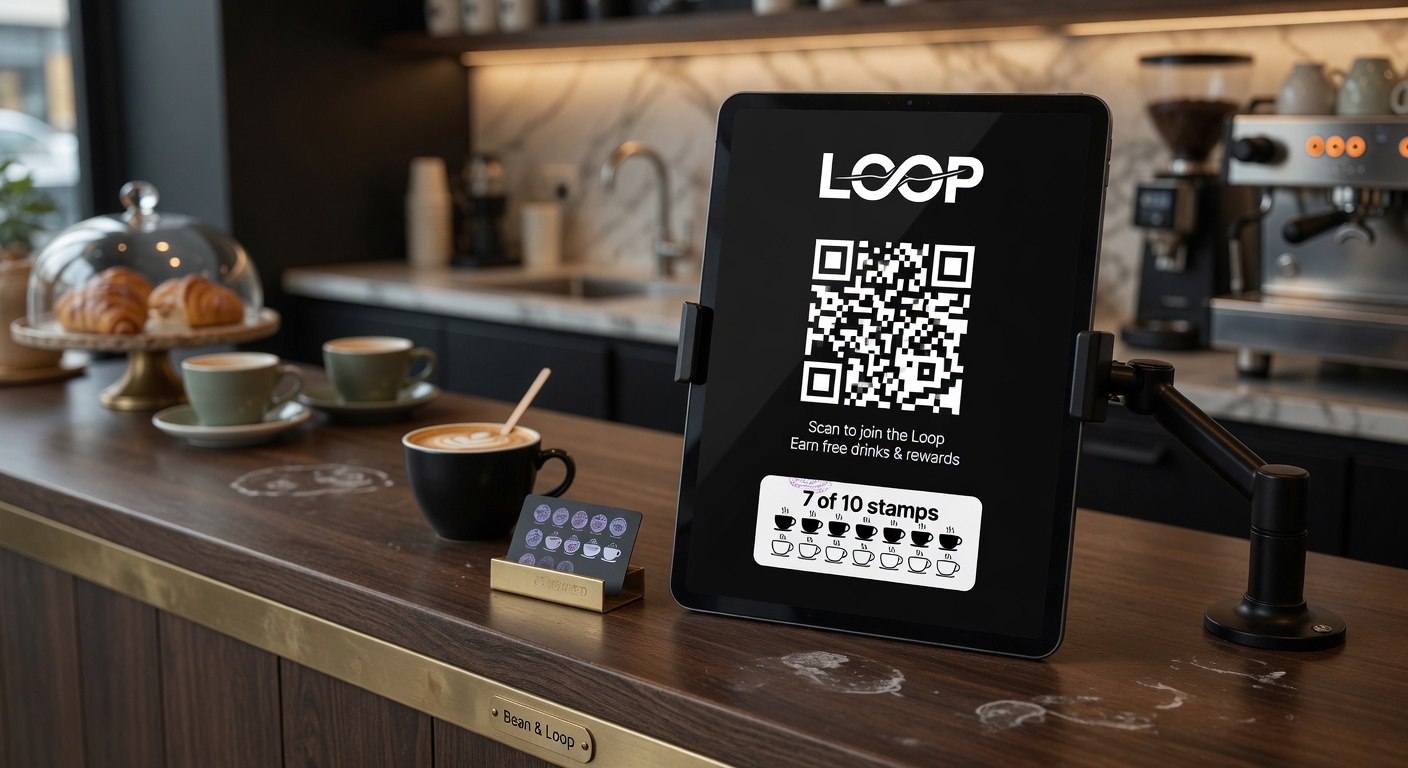
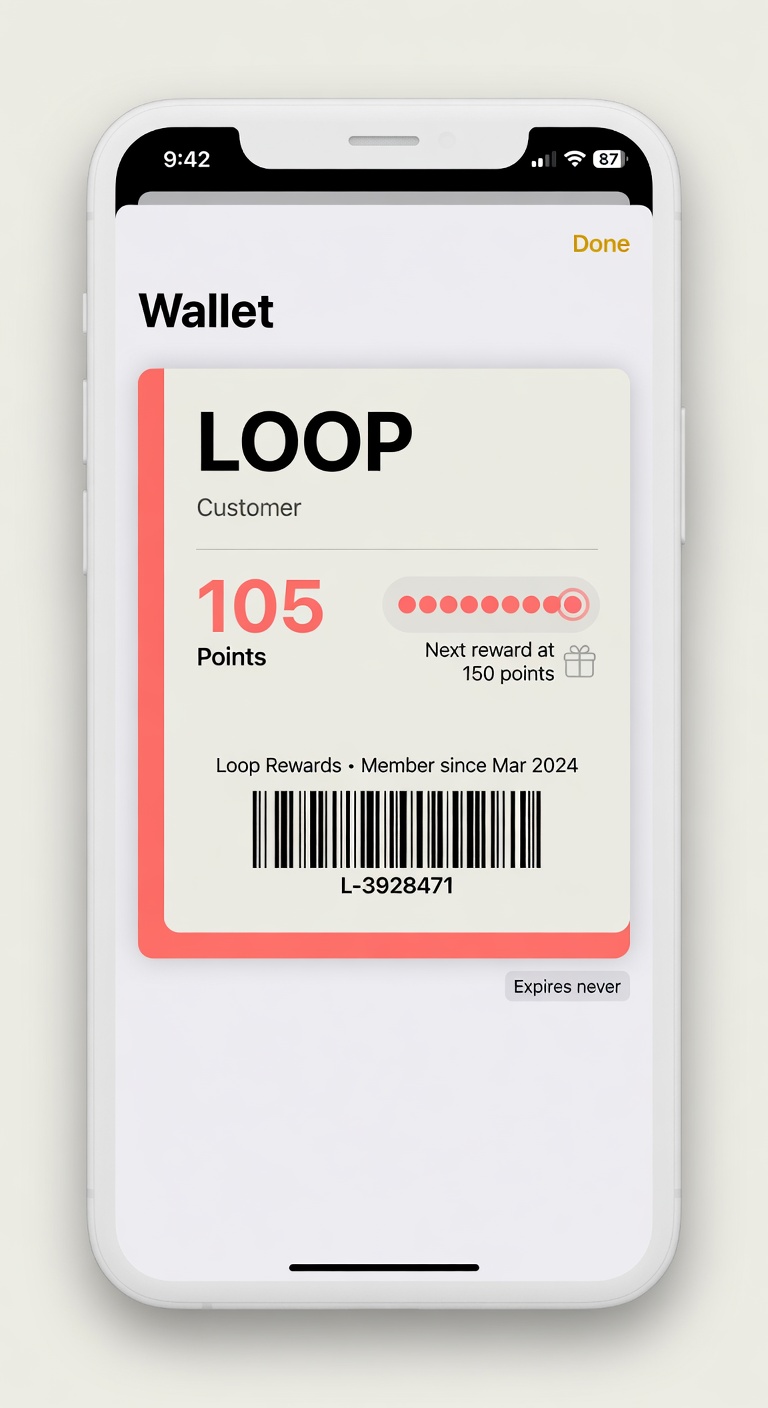
Real LOOP wallet passes on iPhone in everyday shop settings
When the pass lives in their pocket and updates in real time, customers actually use it.

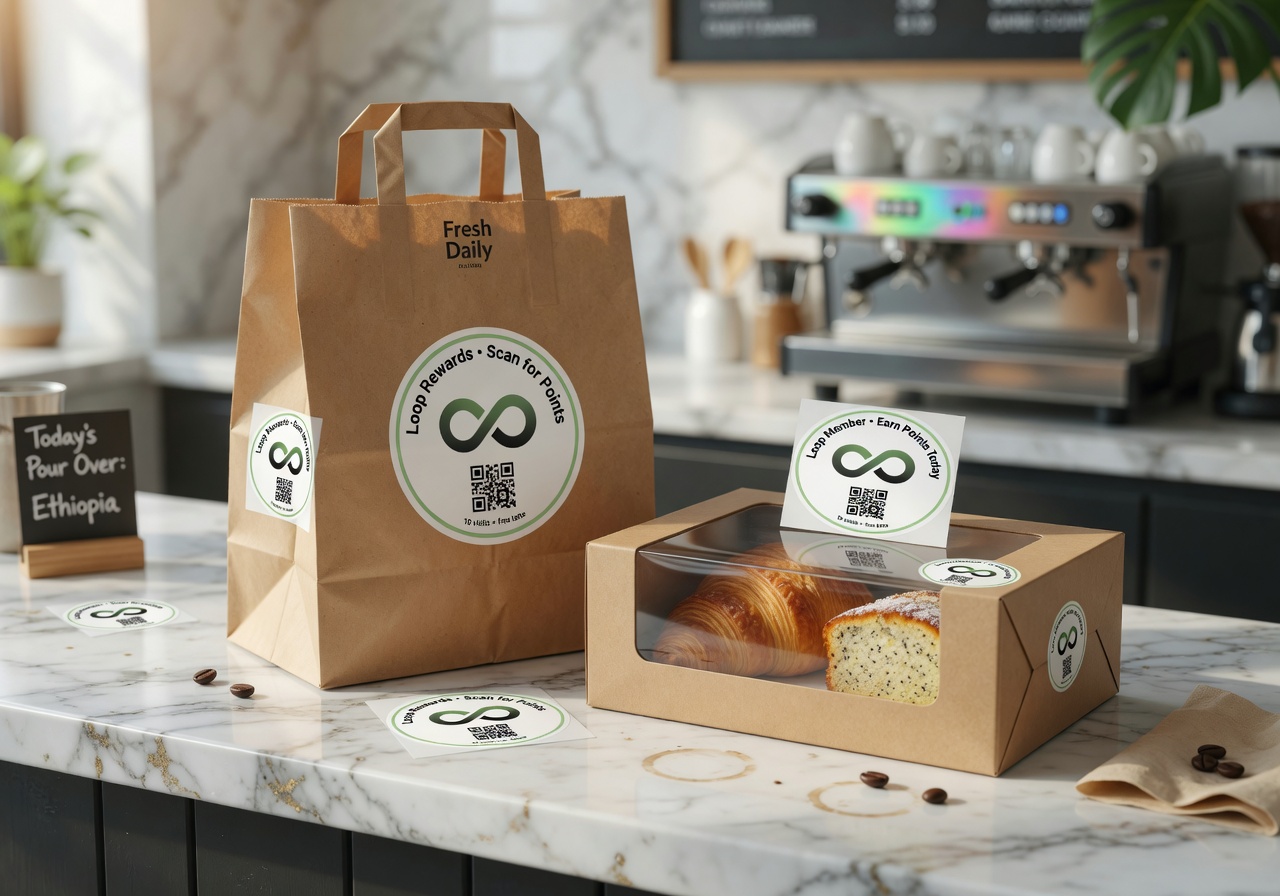
The customer is already holding something from your business. Adding a QR takes almost zero extra effort on their part.

Many shops see 2–4x higher enrolment rates when they put the QR on every receipt compared to counter-only placement.

Try it free

Run a loyalty program in 60 seconds

Loop Customer turns a QR code into a stamp card your customers keep in Apple Wallet or Google Wallet — no app, no POS integration.

Start free at loopcustomer.com/signup