Apple Wallet vs Google Wallet: What Merchants Need to Know
A practical merchant-side comparison of Apple Wallet and Google Wallet for loyalty programs — what is the same, what differs, and what to design for.
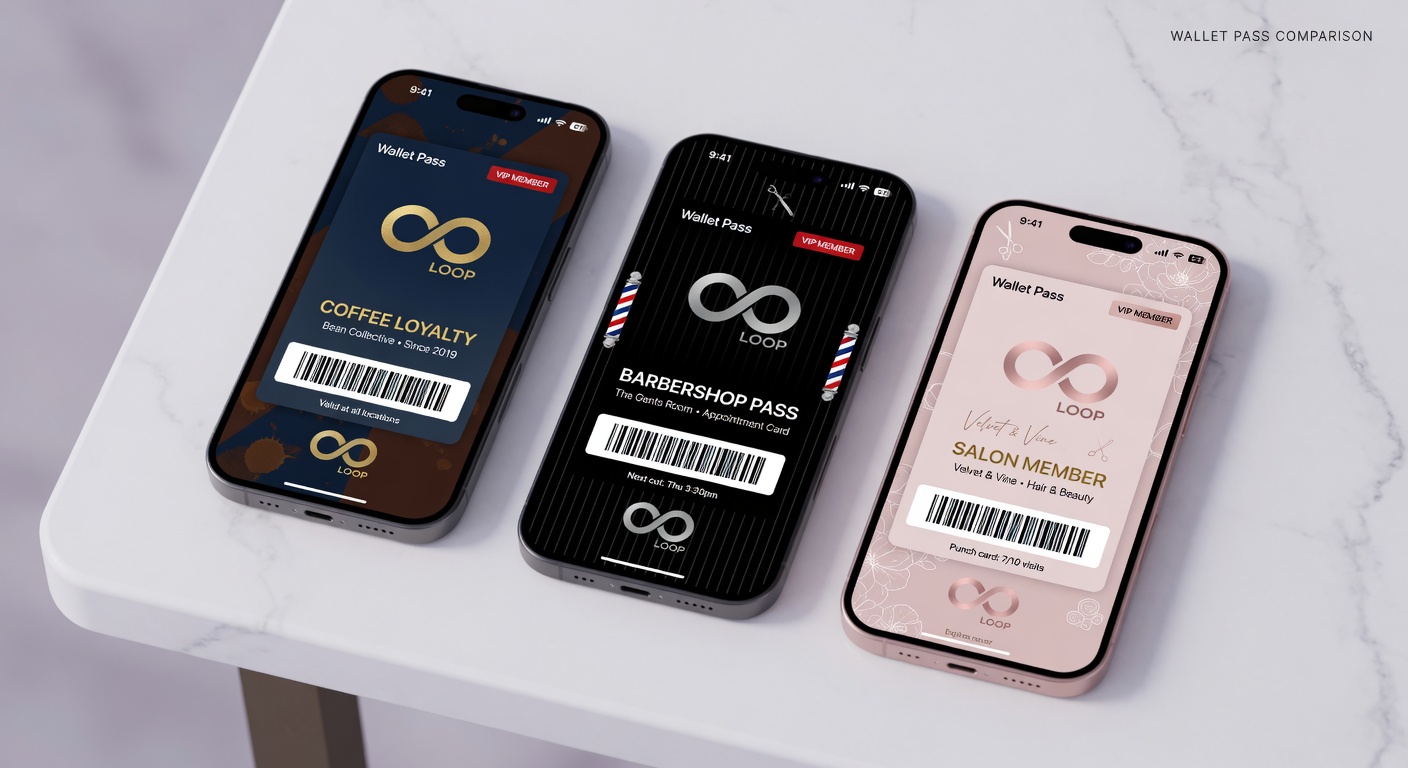
Both are excellent. You should support both.
What’s the same
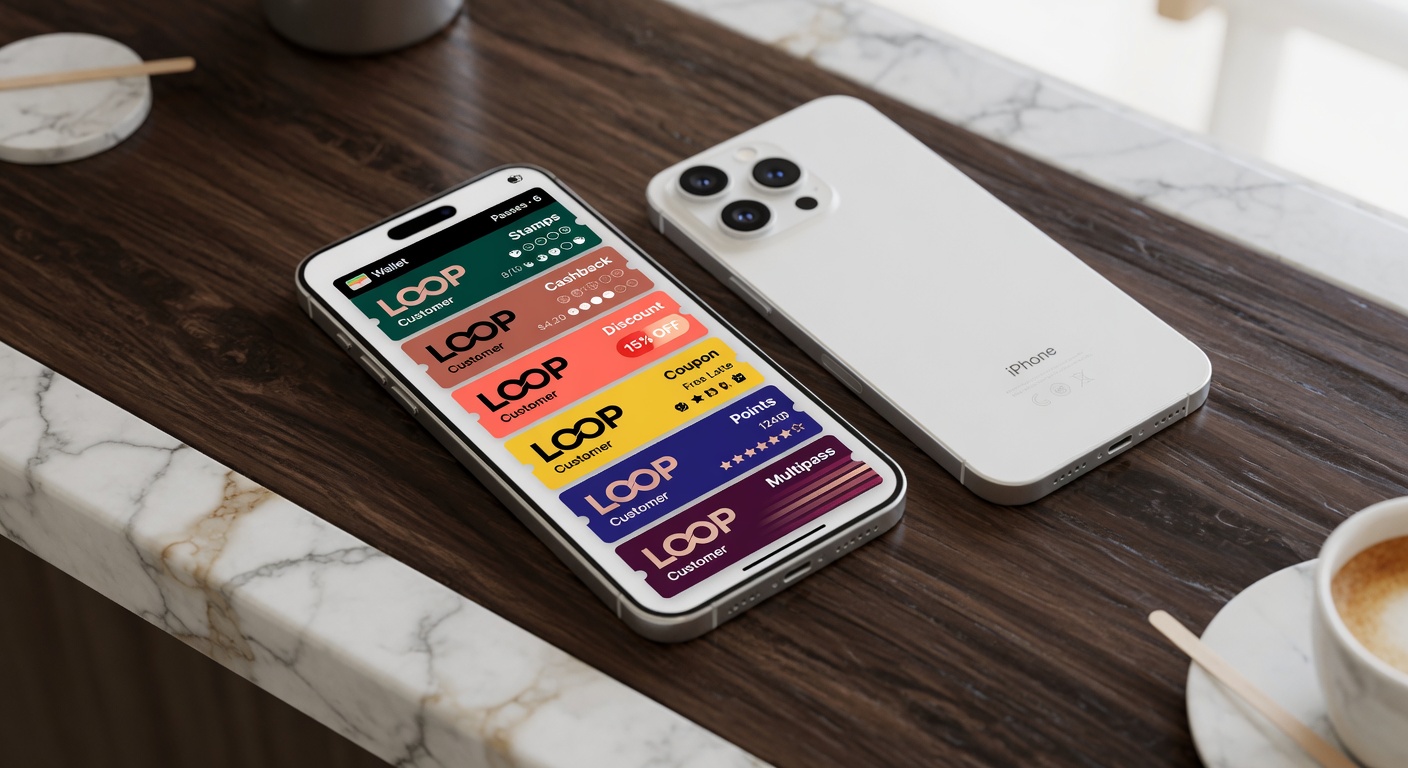
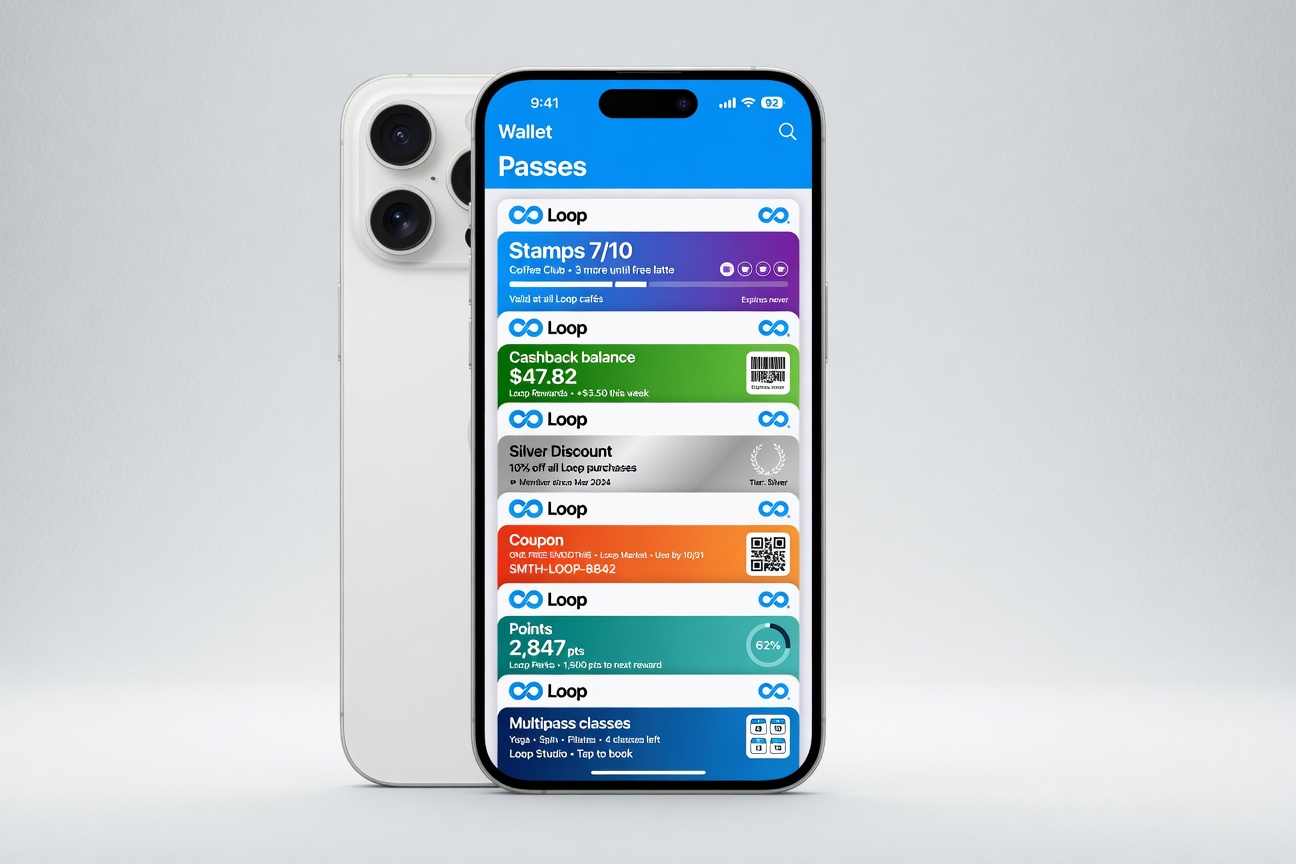
- Customers get a beautiful branded pass
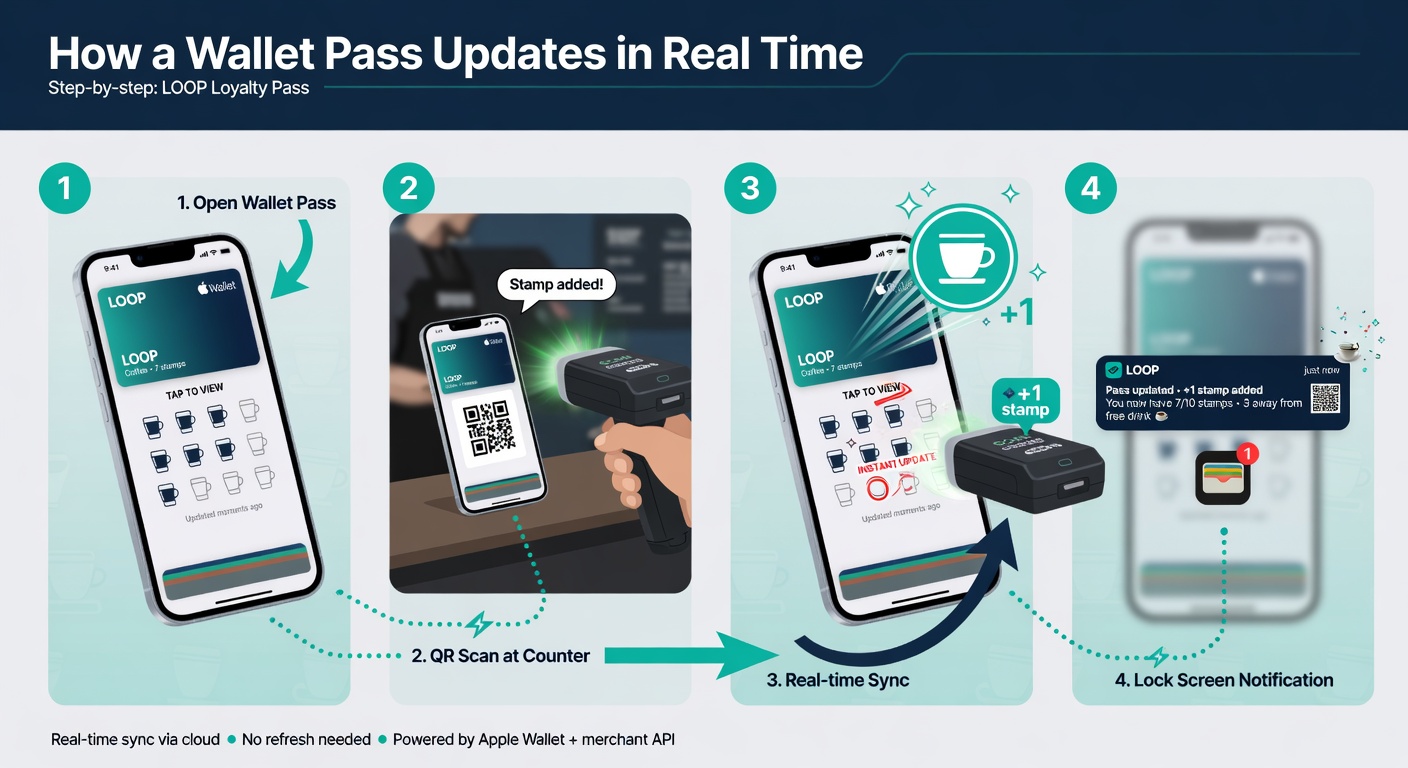
- Real-time updates work on both
- Lock screen notifications are powerful on both
- No app required
What’s different
Apple Wallet tends to have slightly higher engagement on iOS. The pass design rules are stricter.
Google Wallet gives you a bit more flexibility on Android and works great on a huge range of devices.
The practical advice
Design for the stricter platform (Apple’s guidelines). It will look great on both.
Support both from day one. The majority of your customers will be on one or the other depending on your neighborhood.
Loop handles all of this for you automatically.
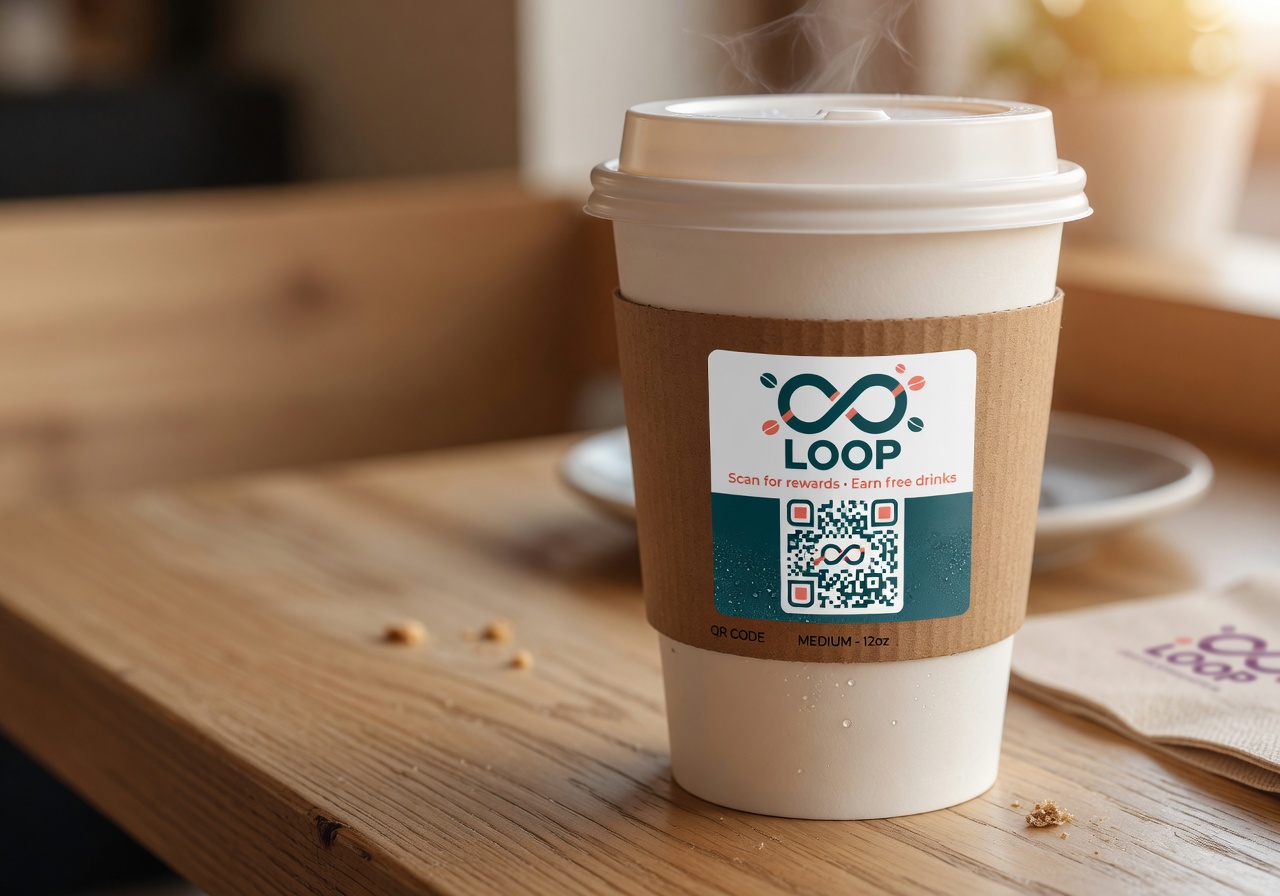
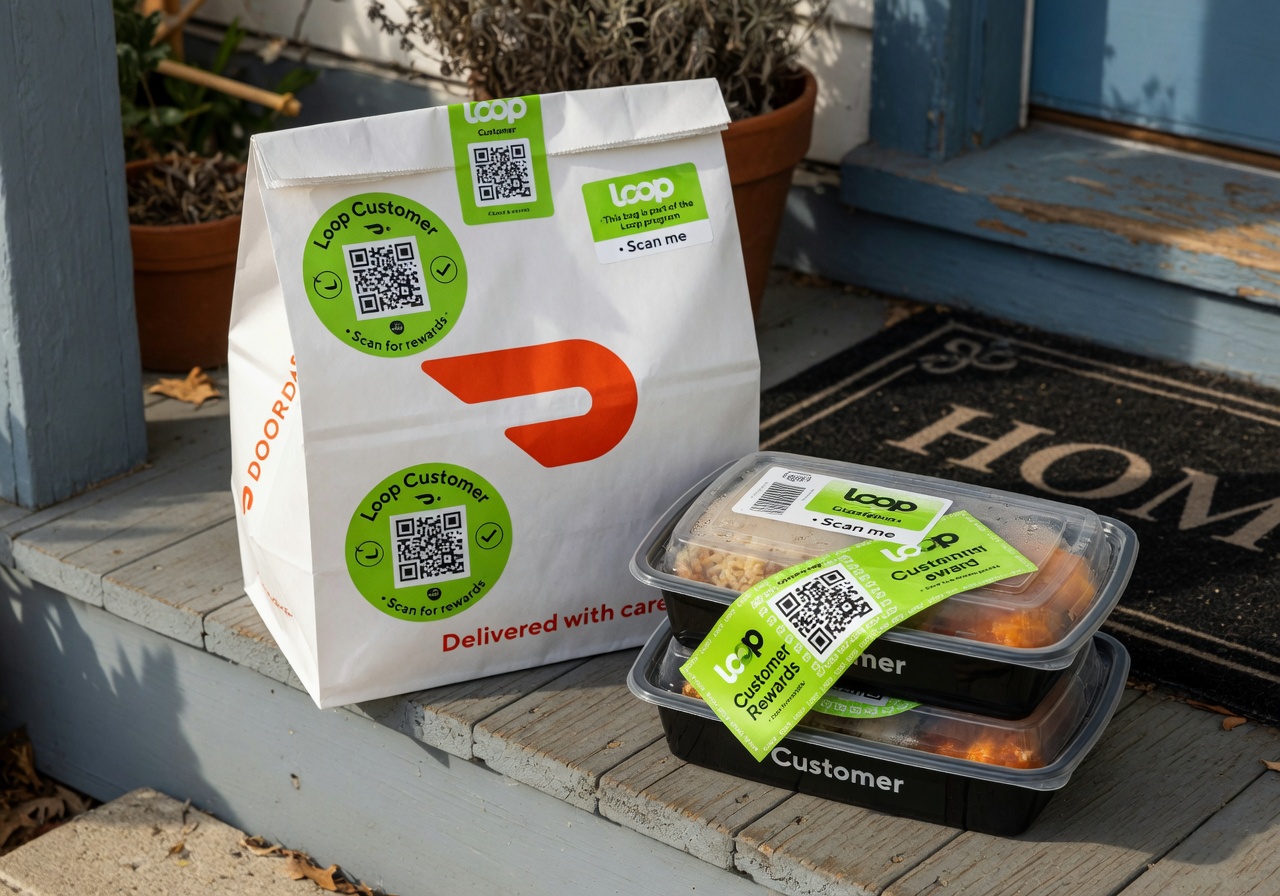
Design for the stricter platform (Apple’s guidelines). It will look great on both.
Support both from day one. The majority of your customers will be on one or the other depending on your neighborhood.
Loop handles all of this for you automatically.
Try it free
Run a loyalty program in 60 seconds
Loop Customer turns a QR code into a stamp card your customers keep in Apple Wallet or Google Wallet — no app, no POS integration.
Start free at loopcustomer.com/signup