All posts
The Lock-Screen Notification Channel Nobody Is Talking About
Wallet pass lock-screen notifications quietly out-convert email by an order of magnitude. Here is why, when to use them, and the etiquette that protects the channel.
Loop Customer Team··7 min read
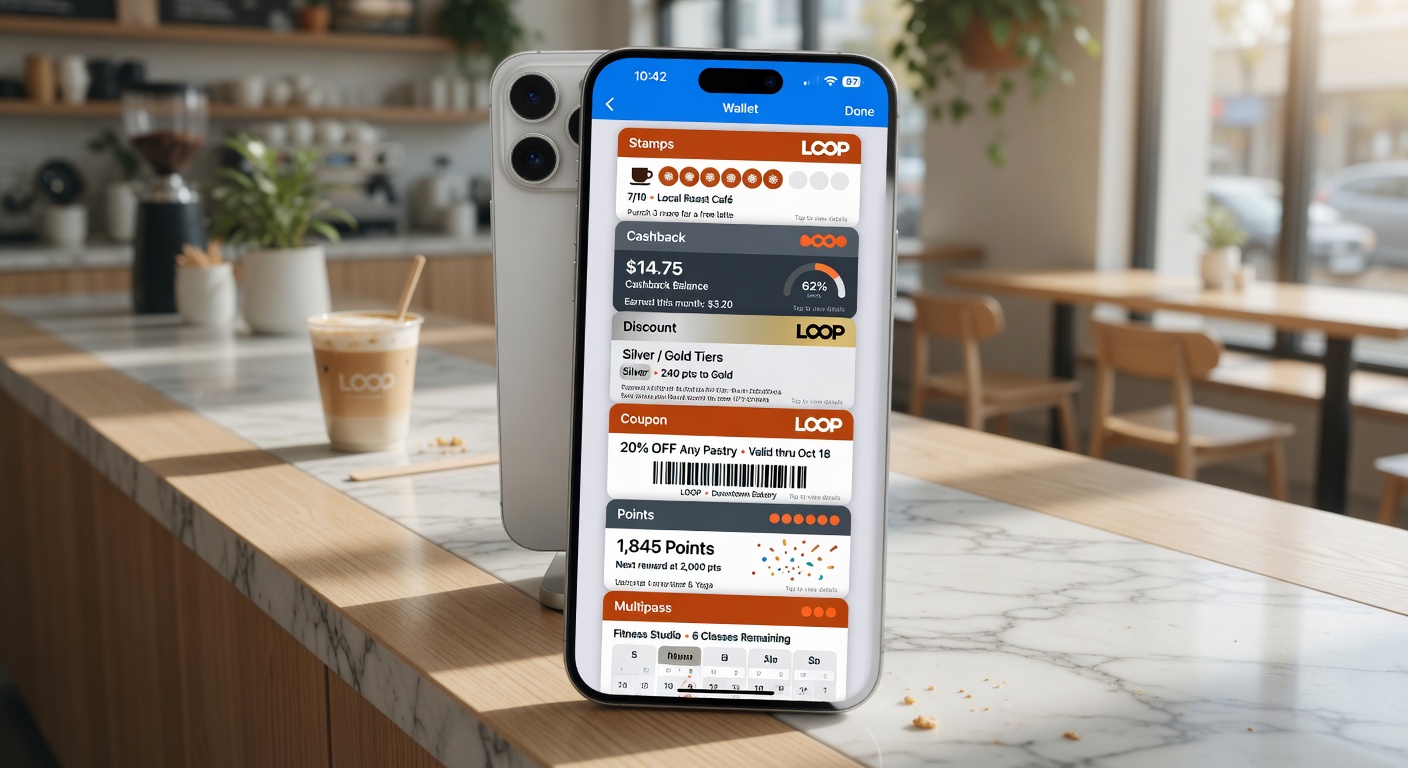
Wallet pass notifications are one of the most powerful (and underused) channels available to small businesses.
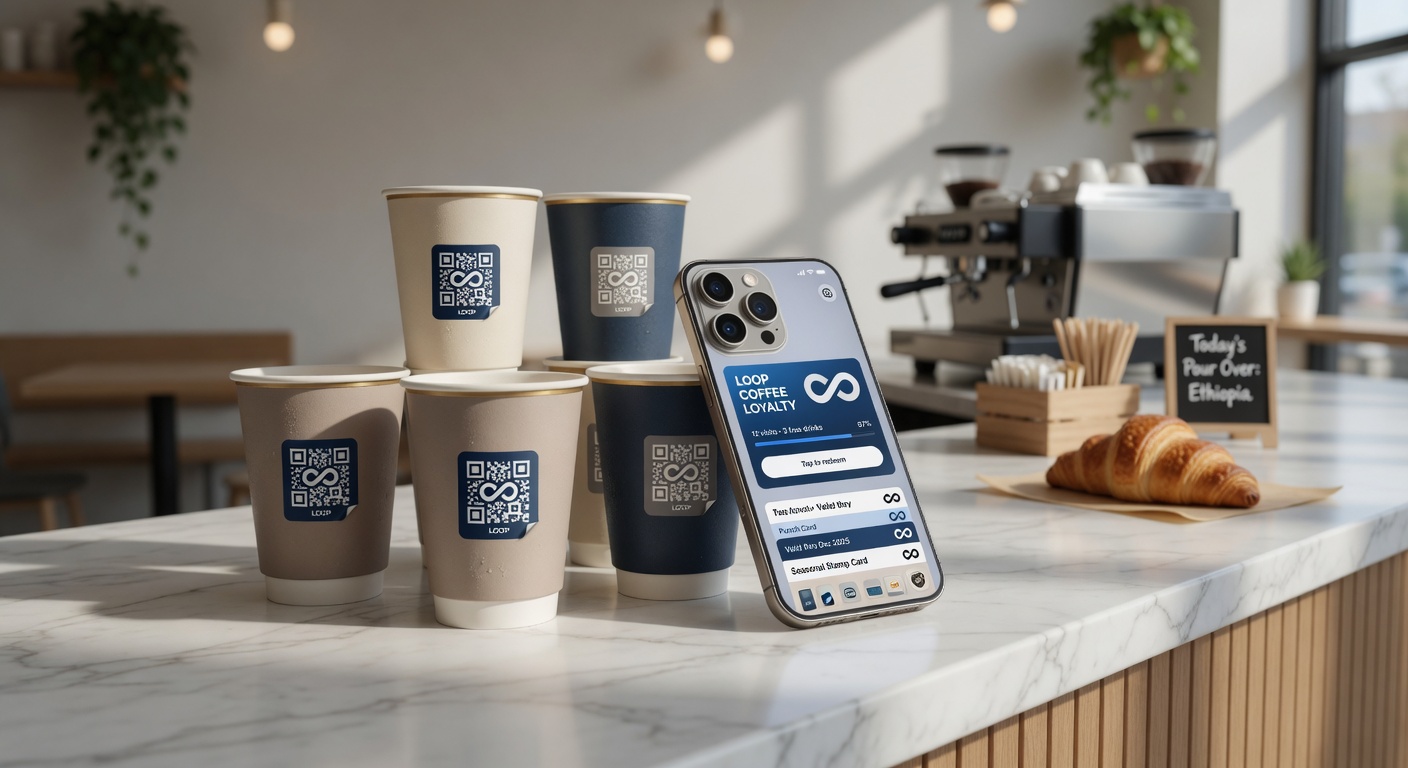
Small changes in repeat visits create massive differences in lifetime value.
Why they outperform email
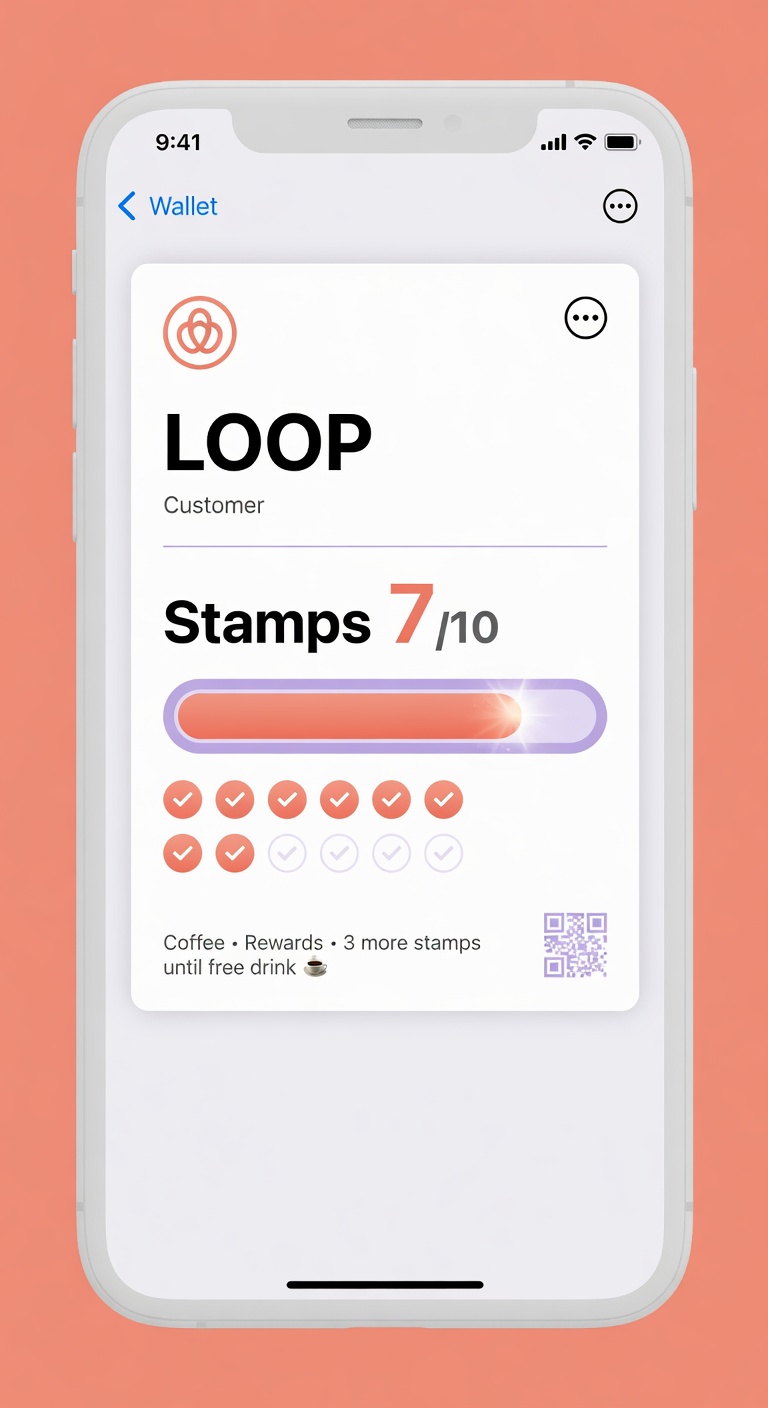
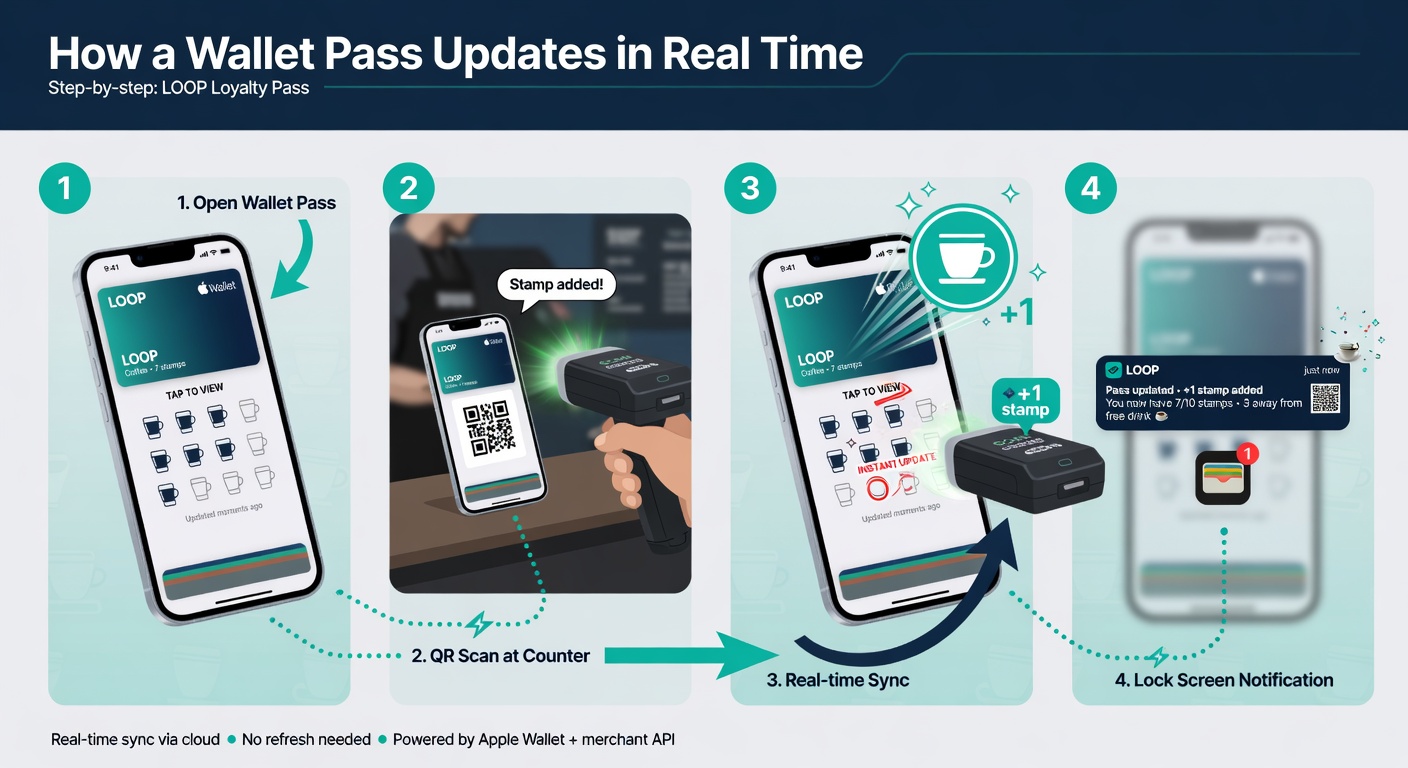
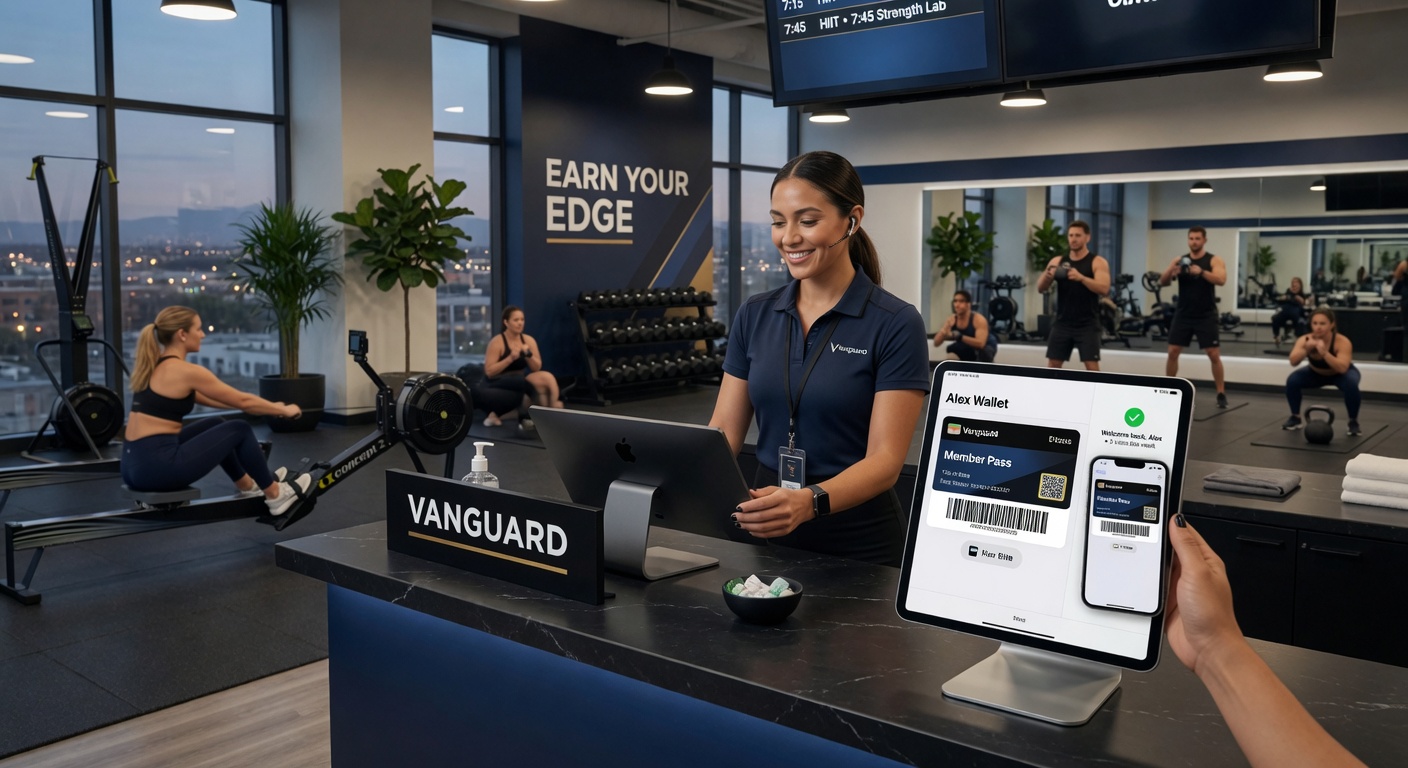
When the pass lives in their pocket and updates in real time, customers actually use it.
- They appear on the lock screen automatically
- They feel more personal and less spammy when used correctly
- Open rates are dramatically higher than email
The key is extreme restraint. The businesses that abuse this channel destroy it for everyone. The ones that use it thoughtfully get incredible results.
Try it free
Run a loyalty program in 60 seconds
Loop Customer turns a QR code into a stamp card your customers keep in Apple Wallet or Google Wallet — no app, no POS integration.
Start free at loopcustomer.com/signup